Video Tag
Every video tagged “PicoServo” in the library — a focused slice of the Halloween archive.
5 videos
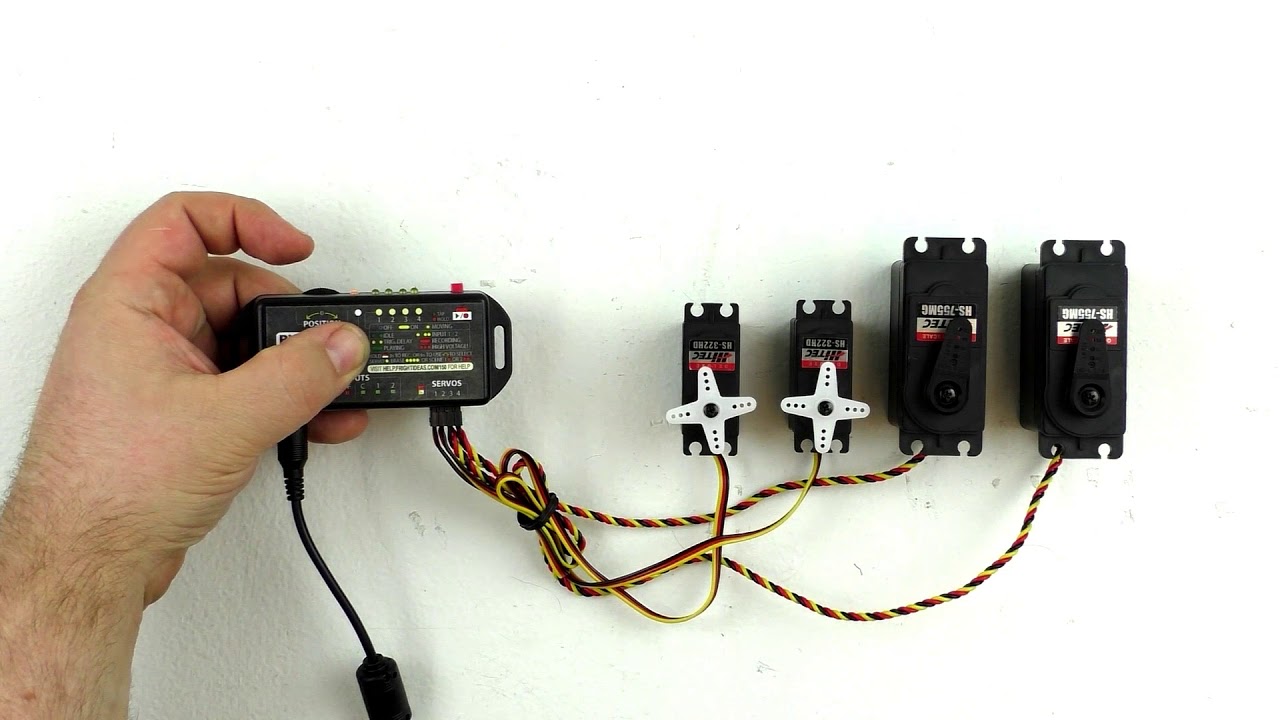
This FrightProps tutorial introduces the PicoServo, a compact servo controller capable of driving up to four servos simultaneously. The device supports two storable motion sequences and can be triggered externally, making it well-suited for haunted house prop automation. The video walks viewers through setup and basic operation in an approachable, beginner-friendly format.
Filmed at TransWorld 2018, this video showcases FrightProps' lineup of servo kits and the PicoServo controller from FrightIdeas. The demonstration highlights how these products can be used to add controlled, repeatable motion to haunted house props and animatronics. It serves as a trade-show floor introduction to the servo product line rather than a step-by-step tutorial.
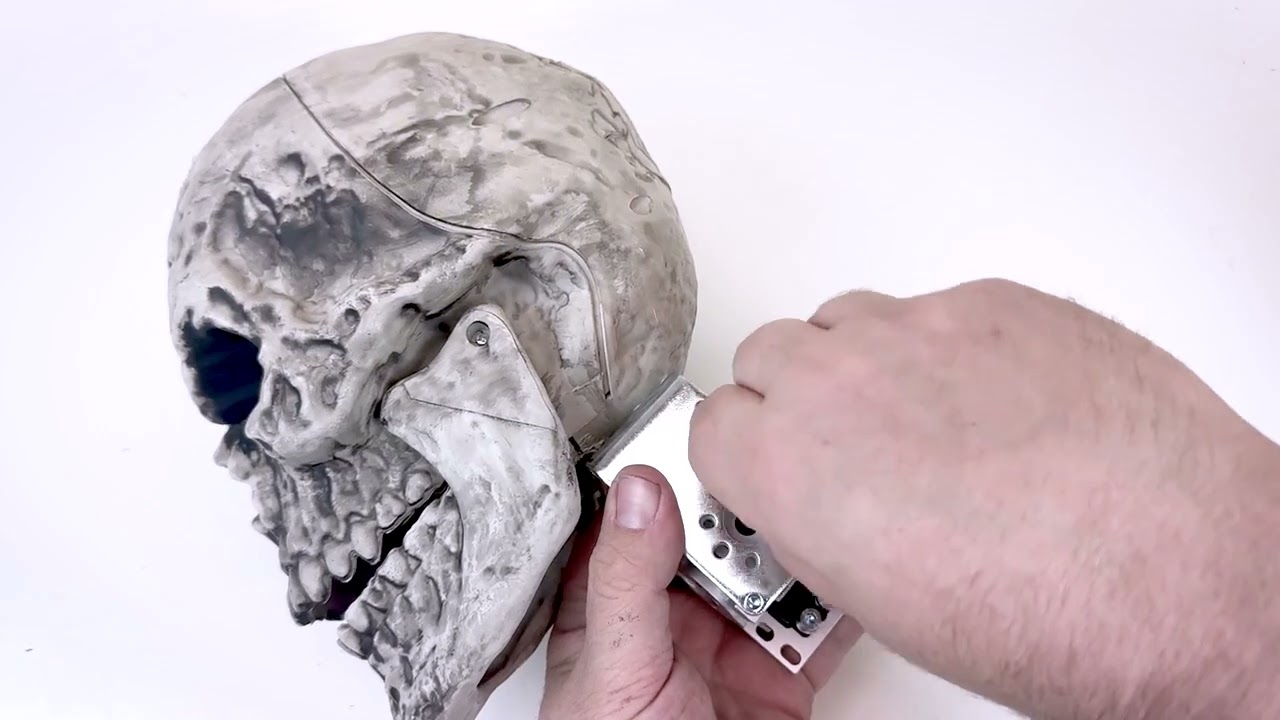
This FrightProps tutorial walks through the complete process of adding a motorized head-turn effect to a standard pose-and-stay plastic skeleton using their dedicated servo kit. The video covers every stage from skeleton preparation and ServoBlock assembly to physical servo installation and programming movement sequences with the PicoServo controller. It's a practical, product-specific guide that bridges hardware assembly and basic motion programming in a single session.
FrightProps walks through converting a standard big-box retail pose-and-stay skeleton into a nodding animatronic using their Head Lift Servo Kit. The tutorial covers mounting the servo inside a ServoBlock, securing the assembly to the skull and skeleton frame, and programming the motion sequence with a PicoServo controller. It's a practical upgrade path for haunters who already own a common off-the-shelf skeleton and want to add lifelike head movement without building from scratch.
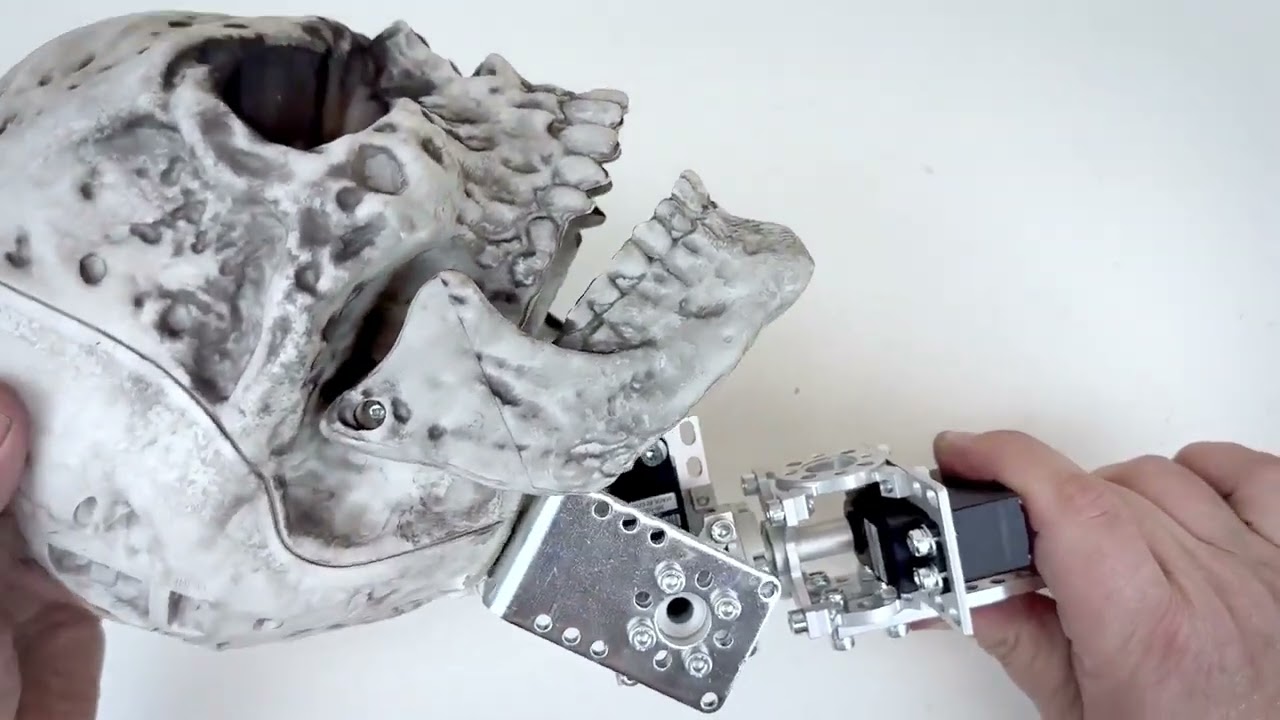
This FrightProps tutorial walks through the complete installation of a dual-servo head lift and turn kit onto a standard plastic skeleton. The build combines two servos working in tandem to produce realistic, multi-axis head movement. The video covers assembly of the servo and ServoBlock hardware, physical mounting onto the skeleton, and programming the motion sequences using a PicoServo controller.