Video Tag
Every video tagged “relay” in the library — a focused slice of the Halloween archive.
9 videos
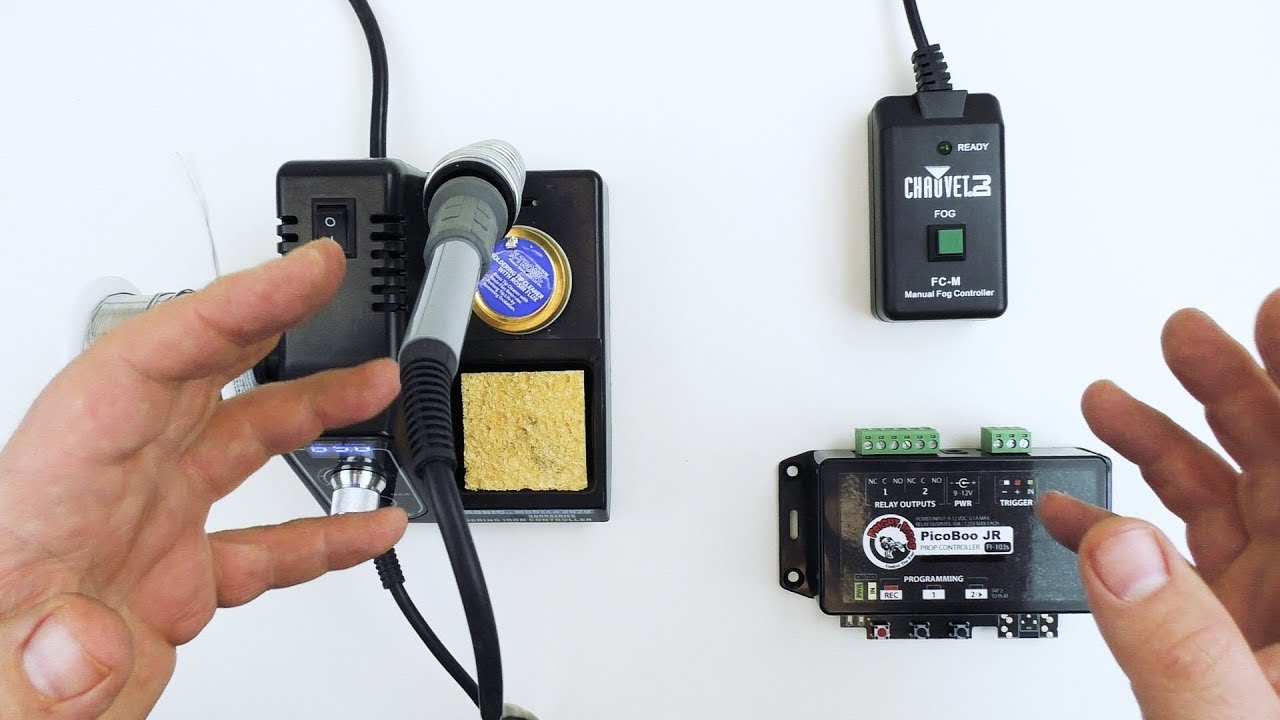
This FrightProps tutorial demonstrates how to automate an inexpensive fog machine by intercepting its wired manual remote and routing control through a relay or solid-state output on a prop controller. The technique — often called 'hacking the remote' — is presented as a practical workaround for fog machines that lack DMX capability. Both haunt-focused controllers like the PicoBoo and escape-room controllers like the EscapeKeeper are shown as compatible options. The result is timed or sensor-triggered fog activation without needing a premium DMX-enabled fog machine.
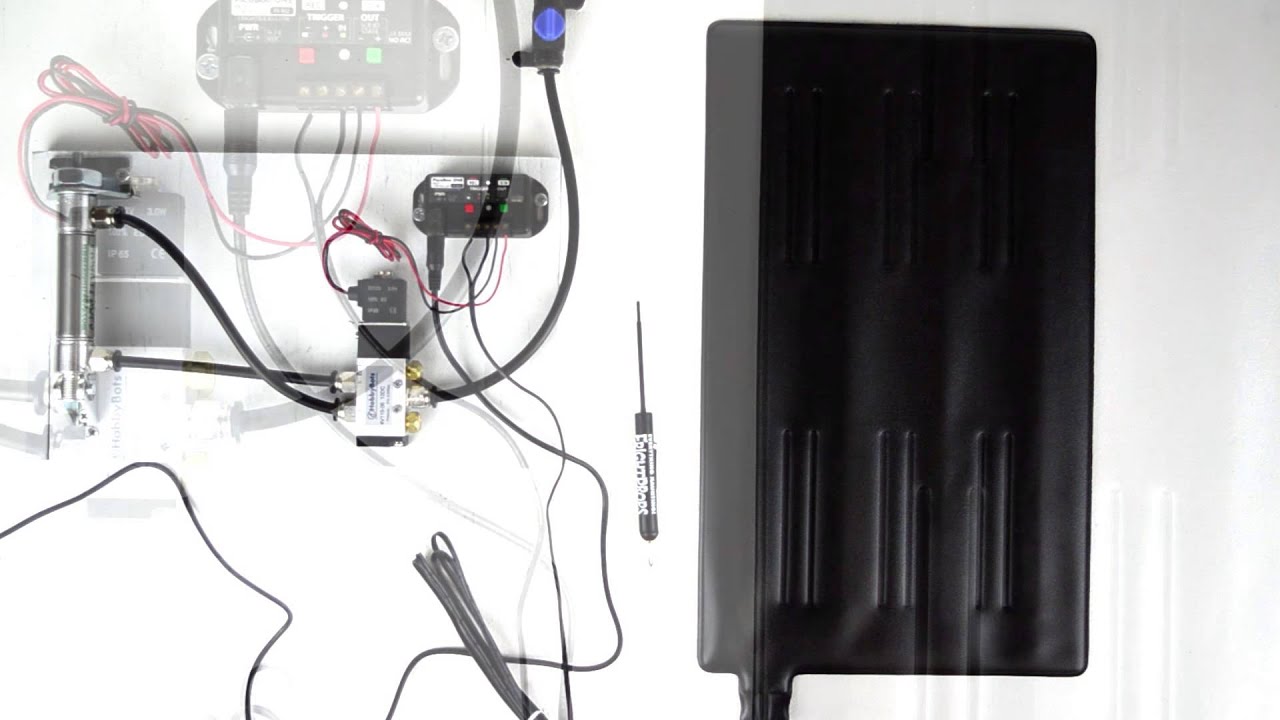
FrightProps walks through their pressure-sensing trigger mats, one of their most popular prop-activation accessories. The video covers how the slim, flexible, water-resistant mats can be hidden under carpet or matting and paired with any FrightProps controller, audio player, or third-party device that accepts a trigger input. A strobe alarm prop is used as a live demonstration of the activation. Key safety guidance on low-voltage requirements and relay use for AC props is also addressed.
This FrightProps tutorial walks through building an interactive escape room puzzle that uses RFID triggers and an EscapeKeeper controller to detect when players place specific objects in designated locations. The system uses relay outputs to trigger effects or unlock mechanisms once the correct objects are correctly positioned. The video covers the full workflow from hardware setup to puzzle logic, making it a practical guide for escape room builders and haunted attraction designers alike.
FrightProps creative director Scott walks through the PicoBoo MP3, his personal go-to Halloween prop controller, explaining what sets it apart from other options. The video highlights the device's combination of powerful feature set and straightforward usability, making it accessible for a wide range of prop builds. Several FrightProps accessories — including spotlights, a relay add-on, and a mini strobe — are demonstrated alongside the controller to show real-world integration.
This FrightProps tutorial walks through the complete build process for an air-powered pop-up zombie prop, from constructing and dressing the character to mounting it on a pneumatic pop-up mechanism. Viewers also learn how to connect the airline and wire up a PicoBoo MP3 controller with an AC relay add-on to trigger the scare sequence. The full end-to-end coverage makes it a practical reference for anyone ready to add a pneumatic pop-up to their haunt.
This FrightProps tutorial demonstrates how to use a two-relay wireless remote to control 12V DC devices without any hardwired triggers. The video uses LED Nano Spot lights as a practical demonstration, but also explains how the same system can switch controller inputs, solenoid valves, 110V AC devices, and off-the-shelf retail Halloween props. It's a compact, accessible introduction to wireless automation for haunted attractions of any scale.
This FrightProps tutorial demonstrates how to wire and program an EscapeKeeper controller to drive a linear actuator for an escape room puzzle. The actuator extends when an object is placed on a trigger point and retracts automatically when the object is removed. The video walks through the relay wiring needed to achieve bidirectional actuator control from the EscapeKeeper's outputs.
FrightProps showcases a dedicated control cable designed to simplify fog machine triggering for haunted attractions. Rather than modifying wireless remotes or navigating complex DMX setups, users simply plug the cable into a compatible fog machine and wire it to a relay. The quick demo is filmed during a Poison Props Electric Chair programming session, giving real-world context for how the accessory fits into a broader prop control workflow.
FrightProps showcases the LocKeeper, a keypad controller designed specifically for escape room applications. The unit supports up to four individually programmable codes, each capable of triggering a dedicated relay output independently. This makes it straightforward to build multi-stage puzzles or control multiple locks from a single keypad interface. The video walks through how the system is configured and how each code-to-relay pairing works in practice.