Video Tag
Every video tagged “prop controller” in the library — a focused slice of the Halloween archive.
45 videos
Wicked Makers' Jaimie and Jay build a full-scale pneumatic DogDay animatronic inspired by the legless, imprisoned character from Poppy Playtime Chapter 3. The build combines a steel frame powered by pneumatic mechanics (sourced from haunted attraction specialists Hallucinations Creations) with a custom 3D-printed and modeled head, a wire-and-foam body armature, and a shaggy fur exterior. Animation is driven by a prop controller from Purgatory Props, and the finished piece is set inside handmade theatrical flat jail cell walls. The result joins an expanding collection of Wicked Makers' video-game-inspired Halloween animatronics.
Wicked Makers' Jaimie and Jay build a large-scale pneumatic animatronic of the Ink Demon from Bendy and the Dark Revival, marking a significant step up in complexity from their previous builds. The project combines welded steel framing, foam-and-wire muscle structure, a custom 3D-printed and sculpted head, and a full black silicone skin to achieve the character's signature inky look. Movement is driven by a pneumatic system and coordinated through a prop controller supplied by Purgatory Props. The result is a full character animatronic capable of physically lunging or striking — true to the threatening nature of the source material.
Wicked Makers' Jay and Jaimie build a full-sized animatronic version of Bon the Rabbit from the analog horror series The Walten Files as a Make-A-Wish gift for a 12-year-old fan. Standing over six feet tall, the animatronic features a welded steel frame, a wiper motor for waist rotation, and servos controlling head and jaw movement. The team collaborated with Walten Files creator Martin Walls to make the reveal extra special for the recipient. The build draws on the duo's extensive experience crafting character animatronics from franchises like FNAF and Poppy Playtime.
FrightProps showcases their electric chair animatronic prop, which uses air power to drive a convicted figure thrashing back and forth while strobe lights flash dramatically around the scene. Sound and visual effects combine to sell the brutal electrocution moment, including sizzling, crackling, and smoke. The prop is triggered via a compatible prop controller and is available for purchase directly from FrightProps.
VanOaksProps reveals a low-cost relay timer module as a simple, affordable way to automate Halloween props including motors, lights, and sound. The FRM-01 can be sourced for as little as $5 and paired with a 12V power supply to trigger AC-powered loads on a timed cycle. The creator provides wiring guidance along with an important correction regarding hot vs. neutral wire placement on the relay side. It's a practical entry point into haunt automation without the need for microcontroller programming.
FrightProps introduces an updated version of their PicoVolt controller, designed to simplify the process of driving linear actuators for haunted house props and animatronics. The video walks viewers through how the device works and what improvements have been made over the previous iteration. It serves as both a product showcase and a practical getting-started guide for integrating linear actuators into Halloween prop builds.
This FrightProps tutorial walks viewers through upgrading or replacing the default triggers on Spirit Halloween, Gemmy, and other big-box animatronic props. Using a dedicated adapter, the method works with any prop that features a 'Try Me' function, allowing substitution of the stock step mat or motion sensor with higher-quality alternatives. FrightProps Creative Director Scott demonstrates how to pair the adapter with options such as a PicoBoo Jr controller, a pressure-sensing step mat, or a PIR motion sensor for more reliable and flexible activation.
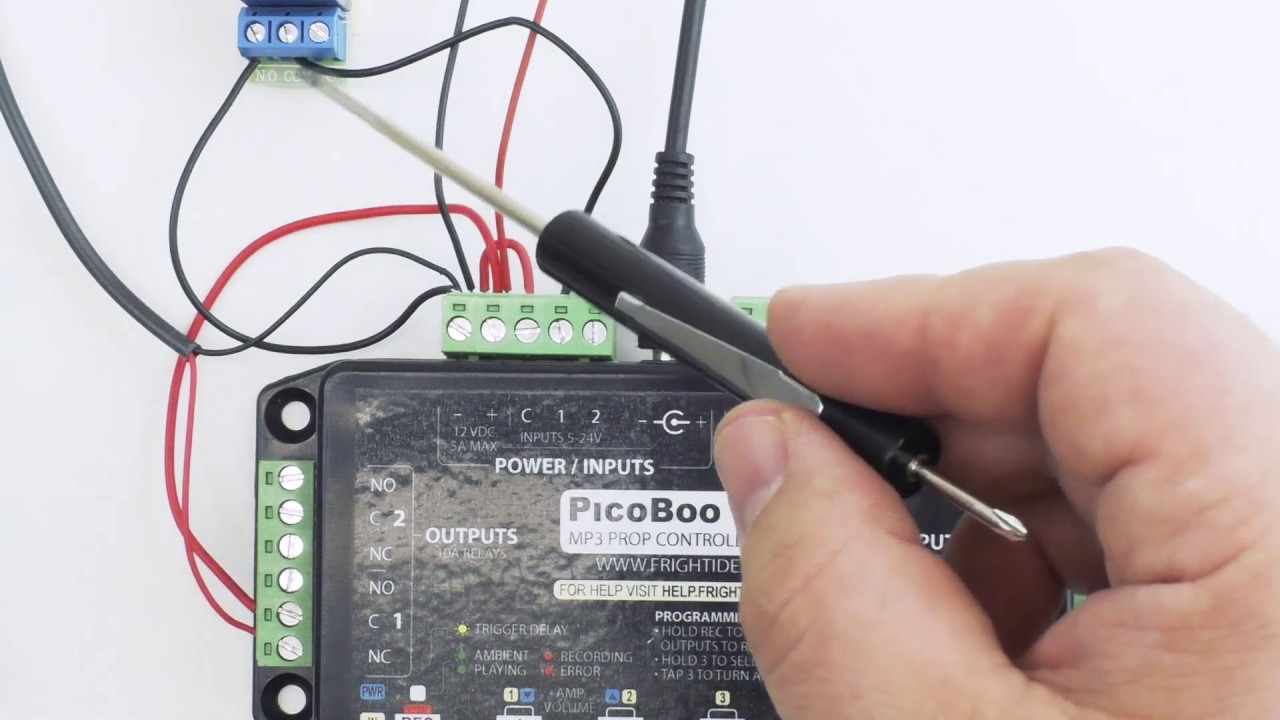
FrightProps walks through two of their purpose-built Halloween prop controllers: the compact PicoBoo Jr (F103) and the full-featured PicoBoo (F104). The video covers what each unit does, how they differ from one another, and where each fits in a haunt or animatronic setup. Both devices are positioned as accessible alternatives to Arduino or PLC-based solutions for automating Halloween props and pneumatics.
FrightProps walks through one of their most popular trigger accessories — a PIR (passive infrared) motion sensor designed to activate Halloween prop controllers. The overview demonstrates the sensor in action paired with a pneumatic cylinder setup and a PicoBoo ONE controller, showing how the components work together to fire a prop when a guest enters the detection zone. The video gives haunters a practical look at how a PIR trigger integrates into a real pneumatic prop system.
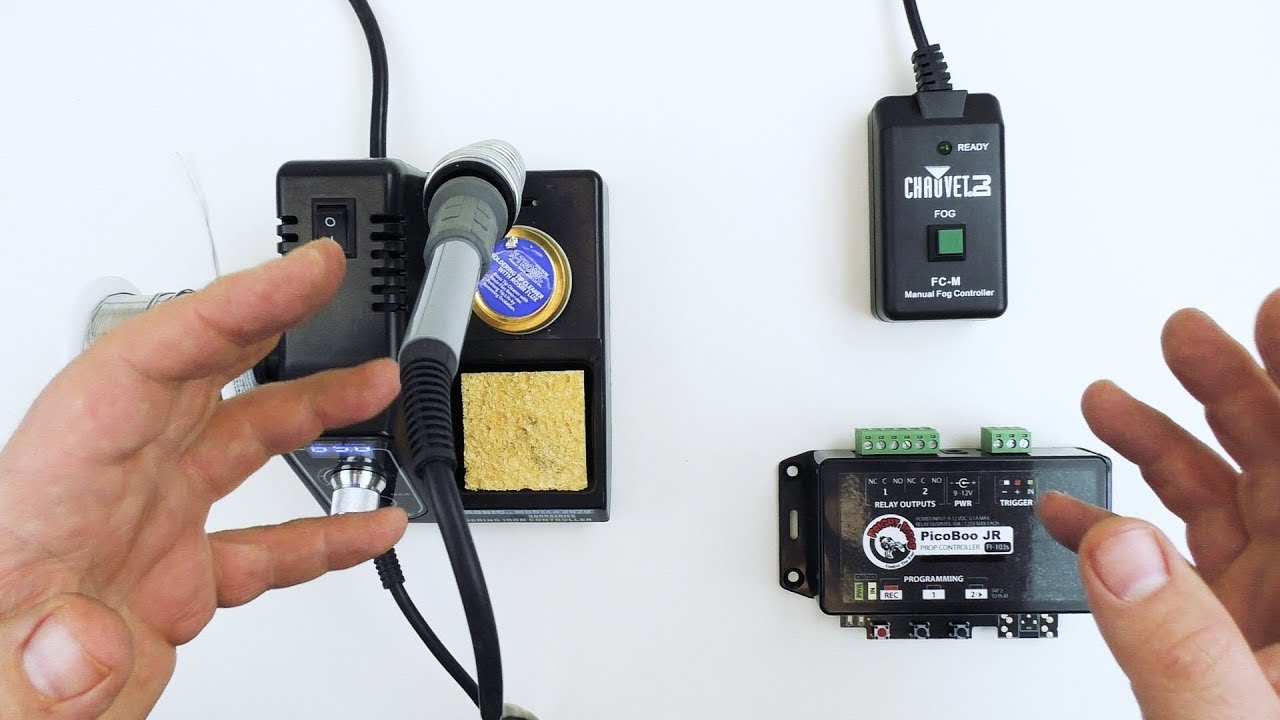
This FrightProps tutorial demonstrates how to automate an inexpensive fog machine by intercepting its wired manual remote and routing control through a relay or solid-state output on a prop controller. The technique — often called 'hacking the remote' — is presented as a practical workaround for fog machines that lack DMX capability. Both haunt-focused controllers like the PicoBoo and escape-room controllers like the EscapeKeeper are shown as compatible options. The result is timed or sensor-triggered fog activation without needing a premium DMX-enabled fog machine.
This video from FrightProps provides a product overview of the PicoBoo F105, also marketed as the PicoBoo AC, a dedicated Halloween prop controller. The overview covers the unit's scene programming and audio programming capabilities, giving viewers a solid introduction to what the controller can do. It serves as a first-look guide for haunters considering this device for automating props and animatronics.
FrightProps walks through their reflective beam sensor, a retroreflective photoelectric detector designed to trigger prop controllers and audio playback units when a guest crosses its invisible beam. The sensor outputs a contact closure signal, making it compatible with FrightProps controllers as well as third-party systems. It ships pre-wired with a cable, mounting bracket, and reflector hardware, and supports an adjustable sensing range up to 13 feet. A separate power supply is required when used outside of a compatible FrightProps controller setup.
FrightProps' Scott walks through the updated Picovolt prop controller, highlighting two key improvements: the ability to wire in an external trigger and native support for the parking feature found in FrightProps' dedicated prop motors. The demonstration shows how these features work together to give builders precise, repeatable control over motorized Halloween props. It's a concise, product-focused look at how the Picovolt fits into a typical animatronic build.
Jake Farmer of Stiltbeast Studios walks through building a convincing explosion simulation effect for haunted attractions using electronic components anchored by a Boo Box Flex controller from FrightProps. The build demonstrates how a dedicated prop controller can orchestrate multiple elements to sell a high-impact, high-tech scare. The video highlights the versatility of FrightProps controllers for sequencing complex haunt effects. Jake hints that more FrightProps controller tutorials are planned for future episodes.
Stiltbeast Studios walks through a straightforward, no-frills method for automatically triggering Halloween props using a motion-activated device — no programming or advanced electronics required. The approach is aimed at anyone who wants reliable startle scares without investing in complex control systems. A specific motion-activated flood light from a major home improvement retailer is referenced as the core component. It won't win awards for sophistication, but it gets the job done for basic plug-in prop activation.
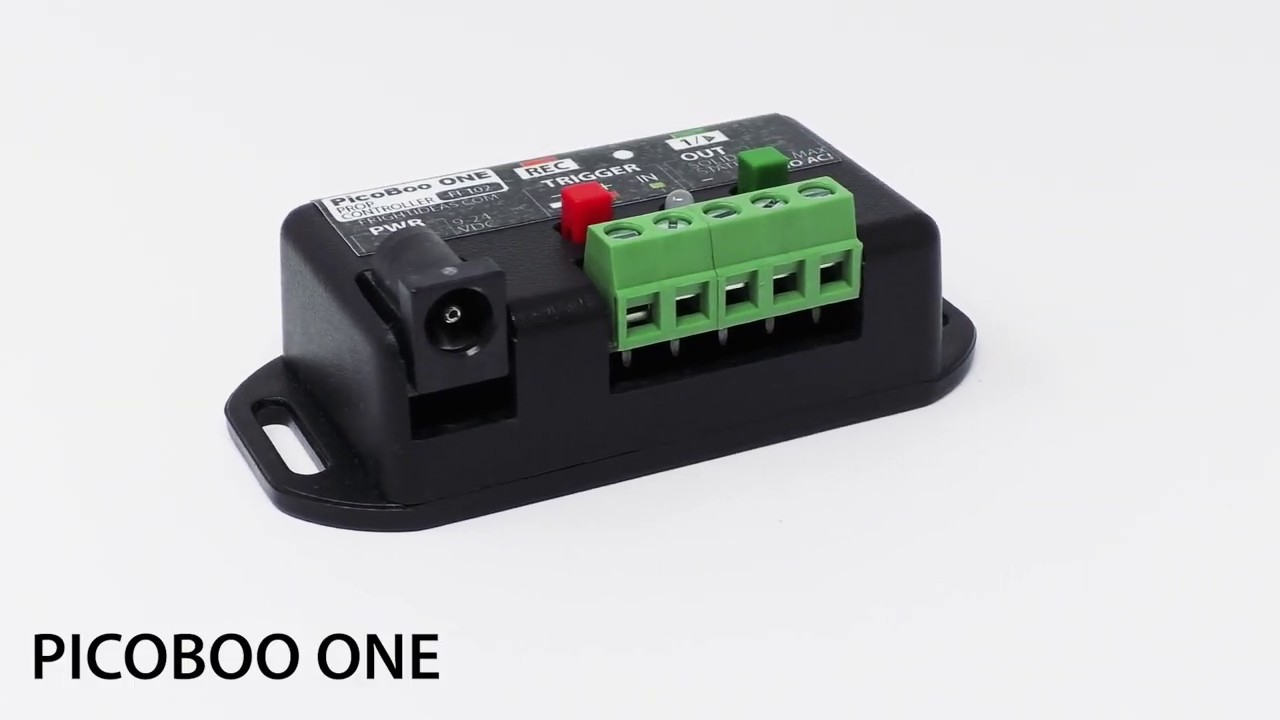
FrightProps showcases the PicoBoo ONE, an entry-level prop controller designed for simplicity. It features a single solid-state output and supports animation sequences of up to 60 seconds in length. This short spotlight video gives haunters a quick look at what the unit offers before purchase.
FrightProps walks through their triggerable digital video player, a device designed to play video effects on demand via a push-button activation. The tutorial covers how to integrate the unit into Halloween props and haunted house setups for on-cue scares and visual effects. It offers a compact, accessible solution for creators who want interactive video without complex programming.
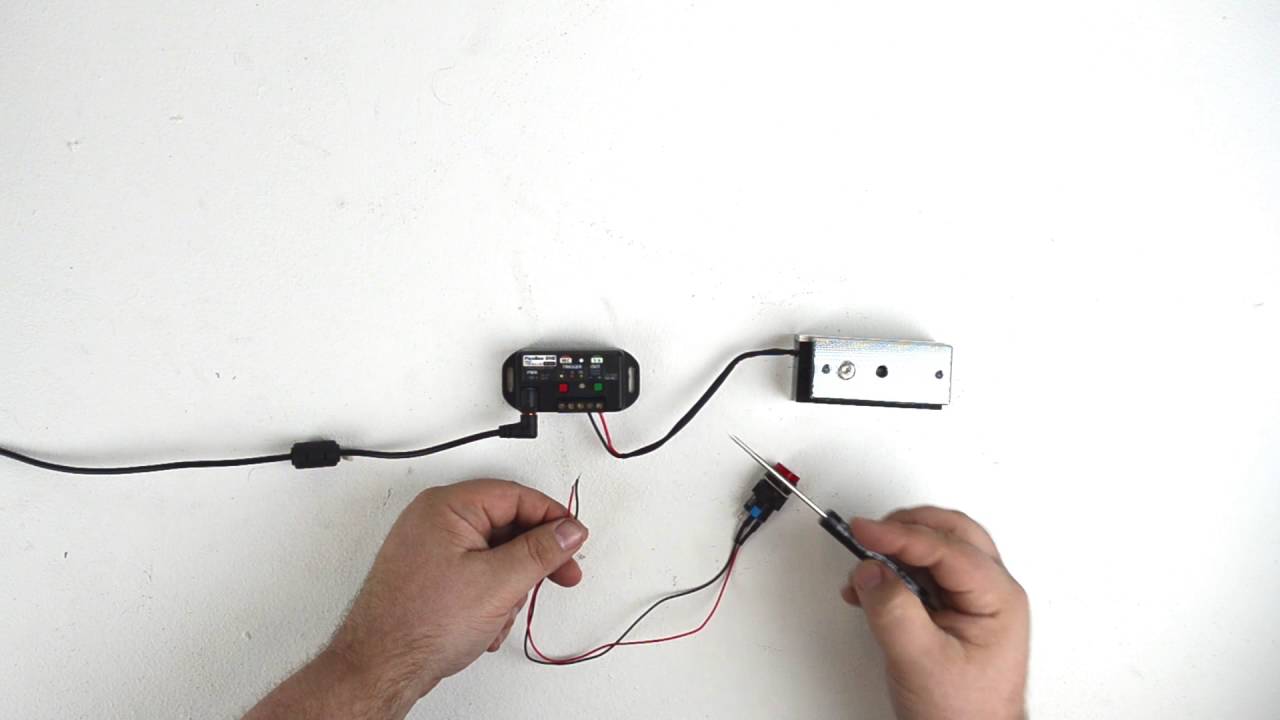
This FrightProps tutorial demonstrates how to use a PicoBoo ONE controller to trigger a magnetic lock, directly answering a frequently asked escape room question. The video walks through a three-component setup — trigger, controller, and lock — using items from FrightProps' Escape Room Magnetic Lock Starter Kit. A proximity sensor is also demoed as a potential trigger source. Together these components open up a wide range of interactive puzzle possibilities for escape rooms and haunted attractions.
FrightProps showcases their Electrocution Table, a pneumatic haunted house prop depicting a victim strapped down and subjected to electric shock torture. The figure thrashes and convulses in a convincing display of agony, driven by air power and triggered via a prop controller. The piece suits a mad scientist or torture chamber scene and is available as a ready-made unit directly from FrightProps.
FrightProps creative director Scott walks through the PicoBoo MP3, his personal go-to Halloween prop controller, explaining what sets it apart from other options. The video highlights the device's combination of powerful feature set and straightforward usability, making it accessible for a wide range of prop builds. Several FrightProps accessories — including spotlights, a relay add-on, and a mini strobe — are demonstrated alongside the controller to show real-world integration.
This FrightProps tutorial demonstrates how to program a PicoBoo MP3 controller using the free Director software to create a flip-flop output — an effect that toggles on with the first trigger and off with the next. The demonstration uses an RFID trigger and a magnetic lock as the output device, though the underlying logic applies broadly to many haunt effects. The video walks through the software configuration step by step, making it accessible to intermediate builders familiar with basic prop controllers.
This is the first installment in a three-part series from FrightProps covering the BooBox 4 scene controller. The video introduces the device with a broad hardware overview, then walks viewers through the process of loading audio files into the unit. It lays the foundation for deeper programming and integration content covered in subsequent parts.
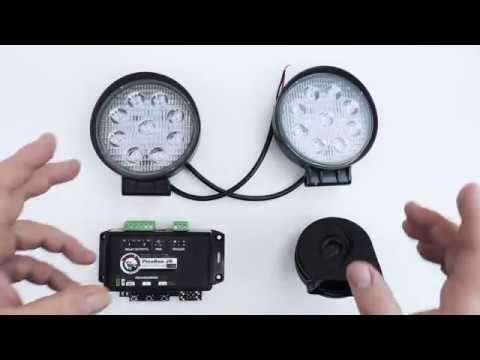
This FrightProps tutorial demonstrates how to use the PicoBoo JR controller to trigger car headlights and a 12V DC car horn as part of a car crash prop kit. The PicoBoo JR uses two relay outputs and simple push-button programming, making it accessible even for beginners. Because the audio in this setup comes directly from the hardware horn rather than a sound board, the PicoBoo JR is an ideal fit for this type of self-contained prop effect.
This is the third and final installment in FrightProps' BooBox 4 Scene Controller tutorial series, focusing on how to connect various trigger inputs to the controller. The video walks viewers through wiring options including button triggers, pressure/step mats, motion sensors, and light beam sensors. Each trigger type is demonstrated in the context of activating scenes for Halloween props and animatronics.