Video Tag
Every video tagged “prop controller” in the library — a focused slice of the Halloween archive.
45 videos
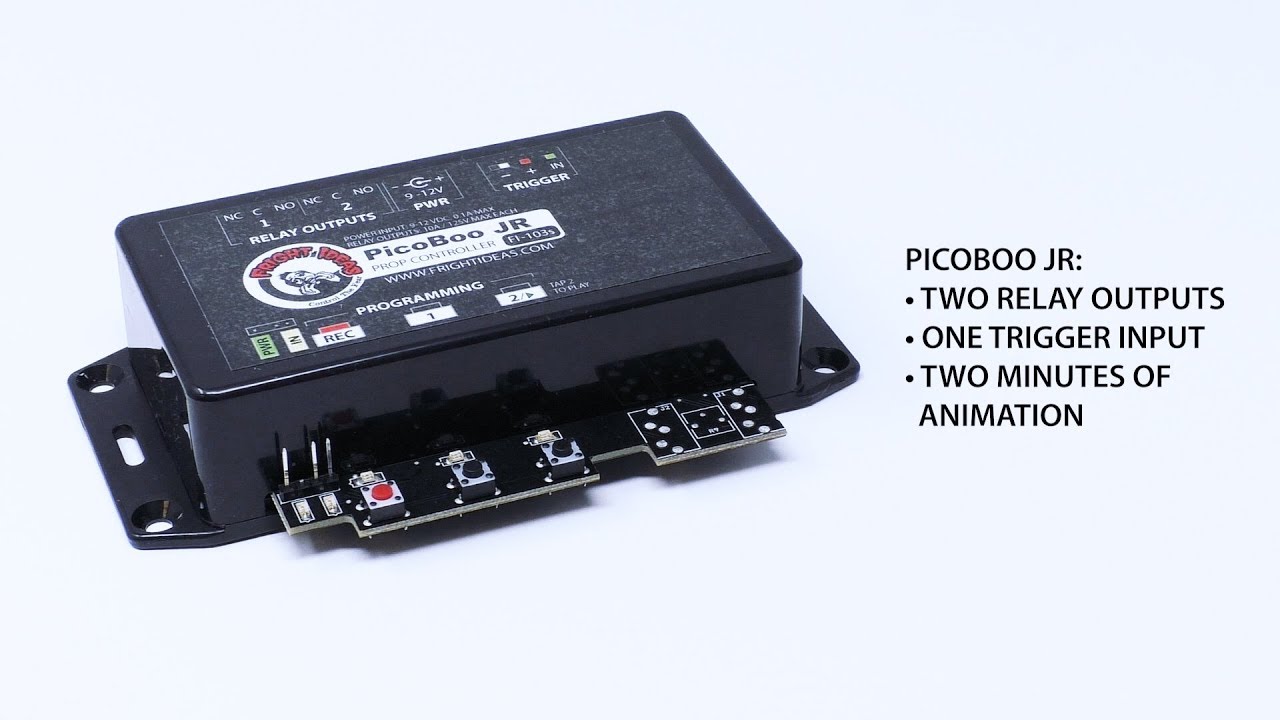
The PicoBoo JR from FrightProps is a compact, beginner-friendly prop controller designed for haunted attraction use. It requires no computer or software — animations are programmed directly on the unit by pressing buttons in real time. With two relay outputs and a trigger input, it can control power to props and respond to external activation signals.
Part 2 of FrightProps' three-part BooBox series walks viewers through the process of programming scenes into the BooBox 4 Scene Controller. The tutorial focuses on how to configure and store multiple scenes for triggering animatronics and Halloween props. It serves as the essential middle step between hardware setup and full deployment of the controller.
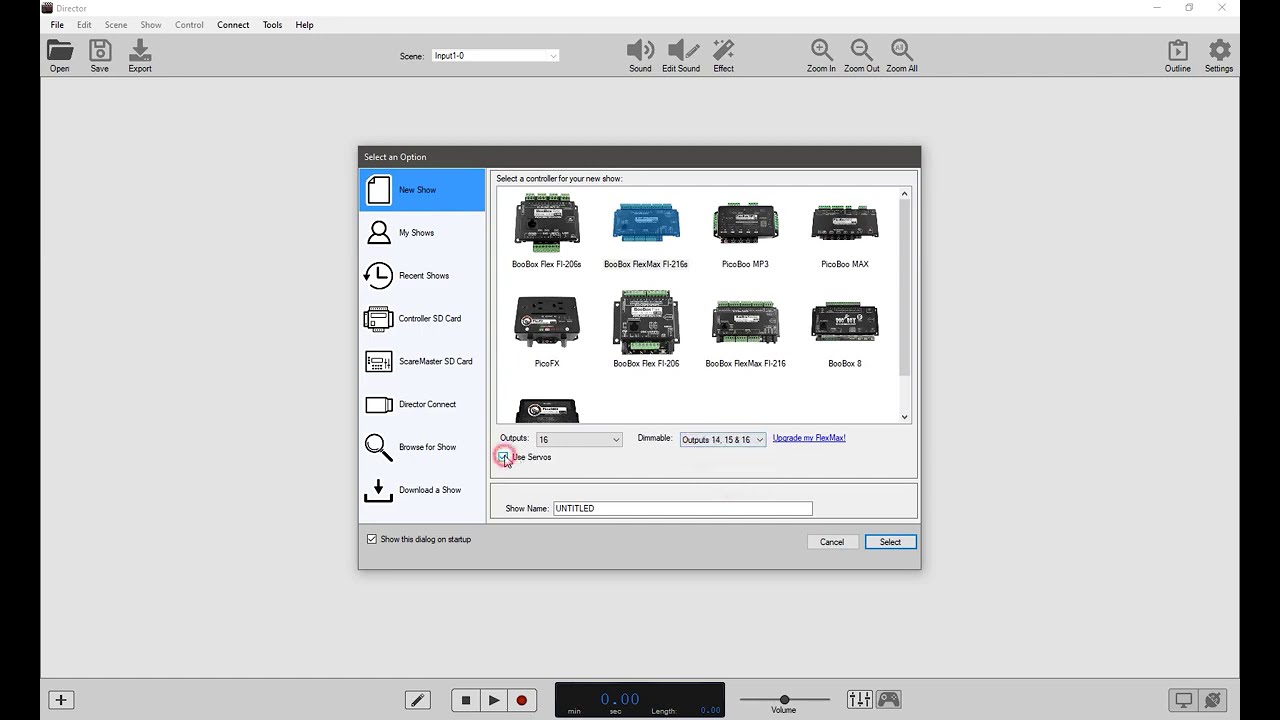
This tutorial walks viewers through the foundational concepts of using FrightProps' Director Software to operate and program a prop controller. Created by Bizzaro Galore of the Test Subjects channel, the video covers core techniques applicable to haunted attractions and escape rooms alike. It serves as an accessible entry point for anyone new to haunt show-control software.
This short tutorial from FrightProps demonstrates how to connect and operate a 110v AC device using the picoBoo F103 and F104 prop controllers. A light bulb is used as a stand-in to illustrate the process, though the technique applies to any compatible AC device. The key constraint covered is the controller's maximum current rating, which limits connected devices to under 10 amps.
Allen Hopps of Stiltbeast Studios takes a look at a compact prop controller from SyncSix, a Canadian manufacturer. The video walks viewers through the unit's features and its potential applications in haunted attraction and DIY prop setups. It appears to be a concise, practical overview aimed at haunters looking to expand or simplify their control systems.
This short tutorial from Hauntcast walks through the process of wiring a fog machine to the Pico One prop controller, enabling automated fog triggering as part of a broader haunt setup. The video is a practical, focused guide aimed at haunters who want to integrate fog effects into a controller-driven prop sequence. At just five minutes, it delivers a concise, hands-on walkthrough of the wiring process.
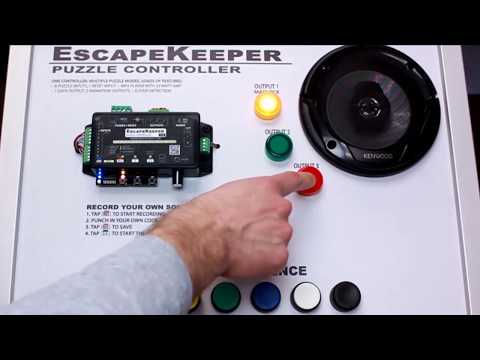
This short tutorial from FrightProps covers how to configure an input sequence on the EscapeKeeper, a dedicated controller designed for escape room applications. The video walks through the setup process for chaining inputs into a specific order, enabling puzzle-based triggers. At just five minutes, it focuses tightly on this single feature of the controller platform.
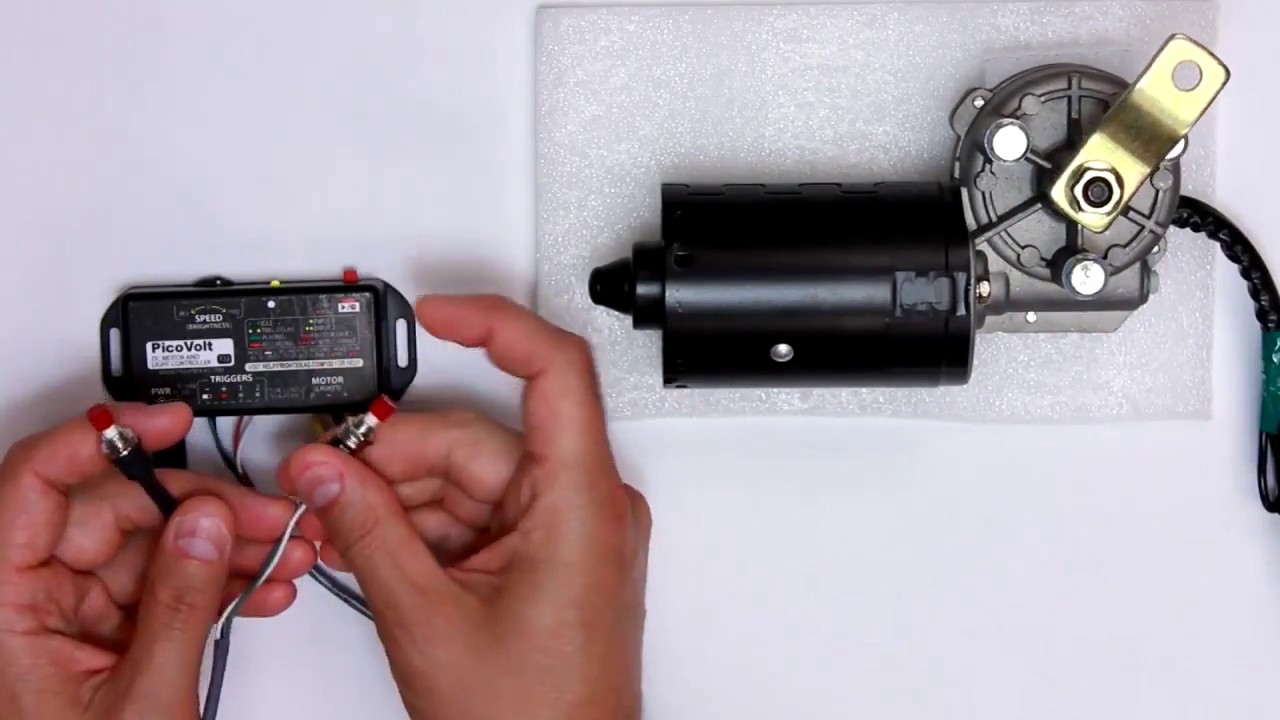
Travis from Fright Ideas walks through the Park mode feature on the PicoVolt controller, a dedicated control unit aimed at haunted attraction builders. The demonstration focuses on how Park mode functions within the PicoVolt's feature set. At just two minutes, it serves as a focused, quick-reference tutorial for users already working with this controller.
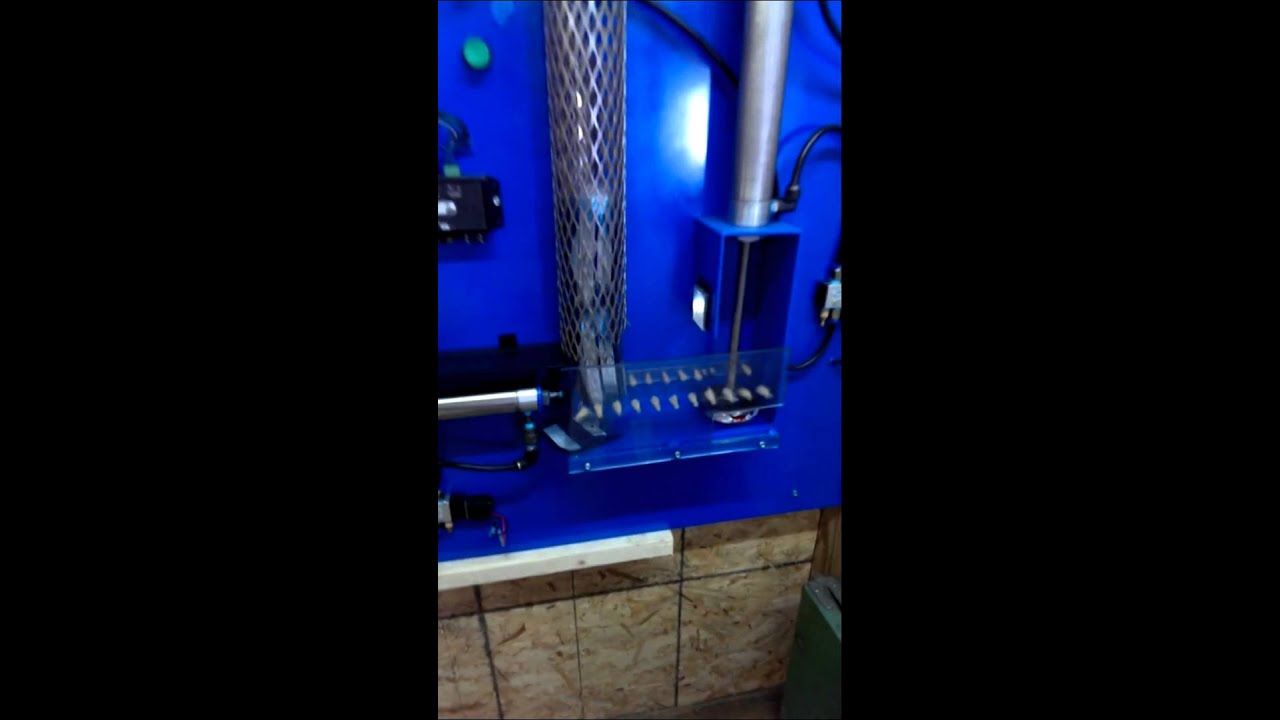
A customer-submitted clip showcasing a creative pneumatic can crusher built using FrightProps' prop controller, solenoids, and airline components. The short demo highlights an inventive real-world application of off-the-shelf Halloween automation hardware. It serves as an inspiring proof-of-concept for what hobbyists can achieve with pneumatic control systems.
Travis from Fright Ideas walks through the Transition Mode feature on the PicoVolt controller, showing how it enables smooth, fluid motion transitions in motor-driven Halloween props. The short focused demo highlights how this mode can elevate the realism and polish of animated haunted house effects. It's a quick but practical look at a specific controller feature aimed at haunt builders who want more refined prop movement.
Travis from Fright Ideas walks through the PicoVolt controller's light mode, showing how the unit goes beyond motor and linear actuator control to also manage low voltage lighting. The short demonstration highlights the controller's multi-function flexibility for haunted house builders. It serves as a quick feature overview rather than a deep-dive tutorial.
This short tutorial from FrightProps walks through the process of adding sound functionality to the EscapeKeeper escape room controller system. The video demonstrates how to configure the sound component as part of the broader EscapeKeeper setup workflow. It is part of a series of setup guides supporting FrightProps' escape room controller product line.
This FrightProps tutorial walks users through the process of recording animations using the EscapeKeeper controller system. The video demonstrates how to set up and capture animation sequences for use in escape room or haunt environments. It provides a practical, step-by-step look at one of the EscapeKeeper's core programming features.
This short tutorial from FrightProps walks through the Input State Match feature on the EscapeKeeper escape room controller. The video demonstrates how to configure the controller to respond when inputs reach a specific state, enabling automated puzzle and prop triggering. It is part of FrightProps' series covering the setup and operation of their EscapeKeeper product line.
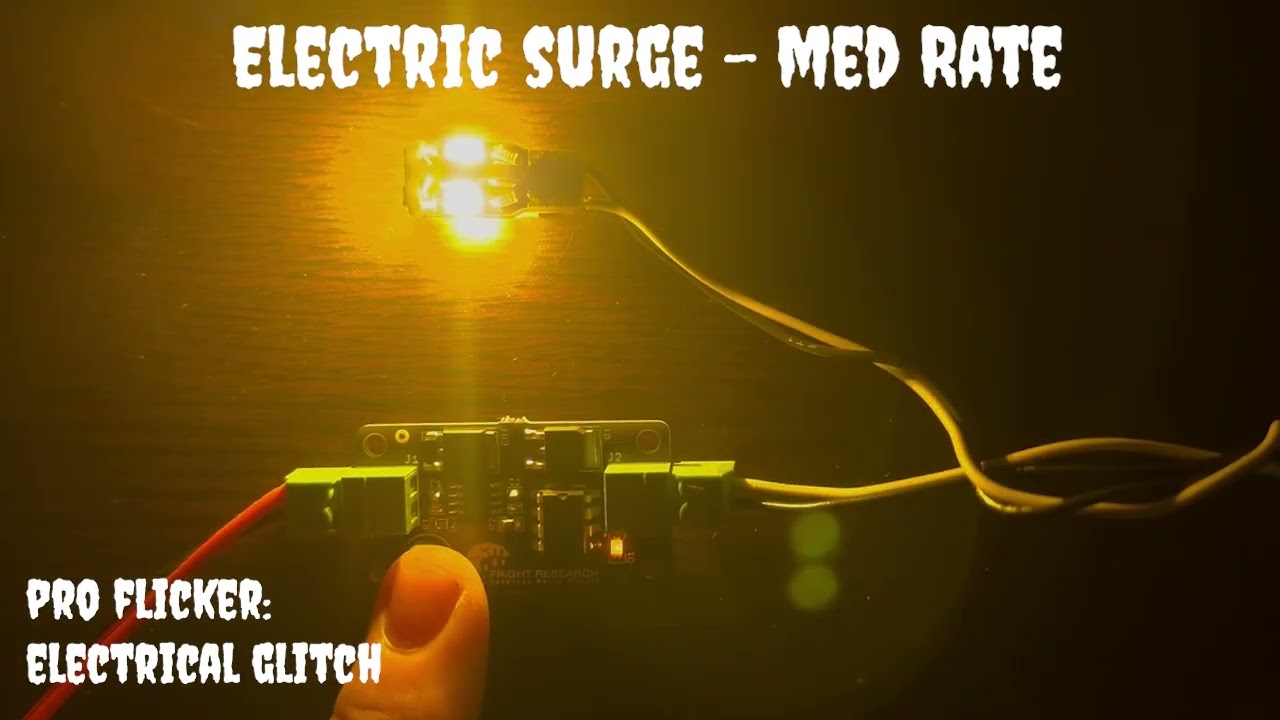
FrightProps showcases their Pro Flicker LED Controller's Electrical Glitch suite in this short demo video. The clip cycles through the controller's various built-in modes, giving viewers a clear visual reference for the range of flickering and glitch effects the unit can produce. It serves as a practical preview for haunters evaluating whether the product suits their atmospheric lighting needs.
This short FrightProps video demonstrates the setup of the EscapeKeeper controller using a Mission Impossible-style scenario as a practical example. It appears to walk viewers through how the device can be configured to manage props and puzzles within an escape room environment. The brief runtime suggests it functions as a quick-start or product overview rather than an in-depth technical tutorial.
This short tutorial from Hauntcast walks through how to wire a wireless remote to a prop controller for triggering Halloween props. Aimed at home and yard haunters, the video delivers a quick, focused wiring walkthrough in just one minute. It covers the essential connection steps needed to get a remote trigger up and running with a prop controller.
FrightProps showcases the LocKeeper, a keypad controller designed specifically for escape room applications. The unit supports up to four individually programmable codes, each capable of triggering a dedicated relay output independently. This makes it straightforward to build multi-stage puzzles or control multiple locks from a single keypad interface. The video walks through how the system is configured and how each code-to-relay pairing works in practice.
In this inaugural Terror Tech segment on Hauntcast, former pro haunter and escape room designer Dexter Morgan introduces viewers to prop controllers, focusing specifically on the Maestro 1 and Maestro 2 units from Haunted House Creations. The episode serves as an accessible entry point for haunters looking to automate and trigger props without deep technical knowledge. It bridges the gap between hobbyist home haunting and professional attraction-level prop control.
Hauntcast host Dexter Morgan puts the Terrorbyte Prop Controller under the microscope in this focused gear review segment. The video examines the controller's features and its potential applications for home haunters and professional haunted attraction builders alike. At roughly 12 minutes, it offers a concise but substantive look at what Terrorbyte Electronics brings to the prop automation space.
Hauntcast's Terror Tech segment features host Dexter Morgan reviewing three prop controllers from Fright Ideas: the PicoVolt, PicoBoo One, and PicoBoo Mp3. Each unit is examined for its features and potential applications in haunted attractions and home haunts. The review gives haunters a practical breakdown of which controller might best suit their prop automation needs.