
Halloween Universe

Video Category

Arduino & Controllers

Every arduino & controllers video worth your time, gathered in one place. Browse builds, tutorials, and showcases — each embedded from its original creator with a quick summary so you can find exactly what you need.

150 videos

Controlling a Linear Actuator for an Escape Room Puzzle
6:59
Arduino & ControllersIntermediate

Controlling a Linear Actuator for an Escape Room Puzzle

This FrightProps tutorial demonstrates how to wire and program an EscapeKeeper controller to drive a linear actuator for an escape room puzzle. The actuator extends when an object is placed on a trigger point and retracts automatically when the object is removed. The video walks through the relay wiring needed to achieve bidirectional actuator control from the EscapeKeeper's outputs.

FrightProps· 2,974 views
How to Make a Skeleton Head Nod Up and Down with a Servo
21:16
DIY AnimatronicsIntermediate

How to Make a Skeleton Head Nod Up and Down with a Servo

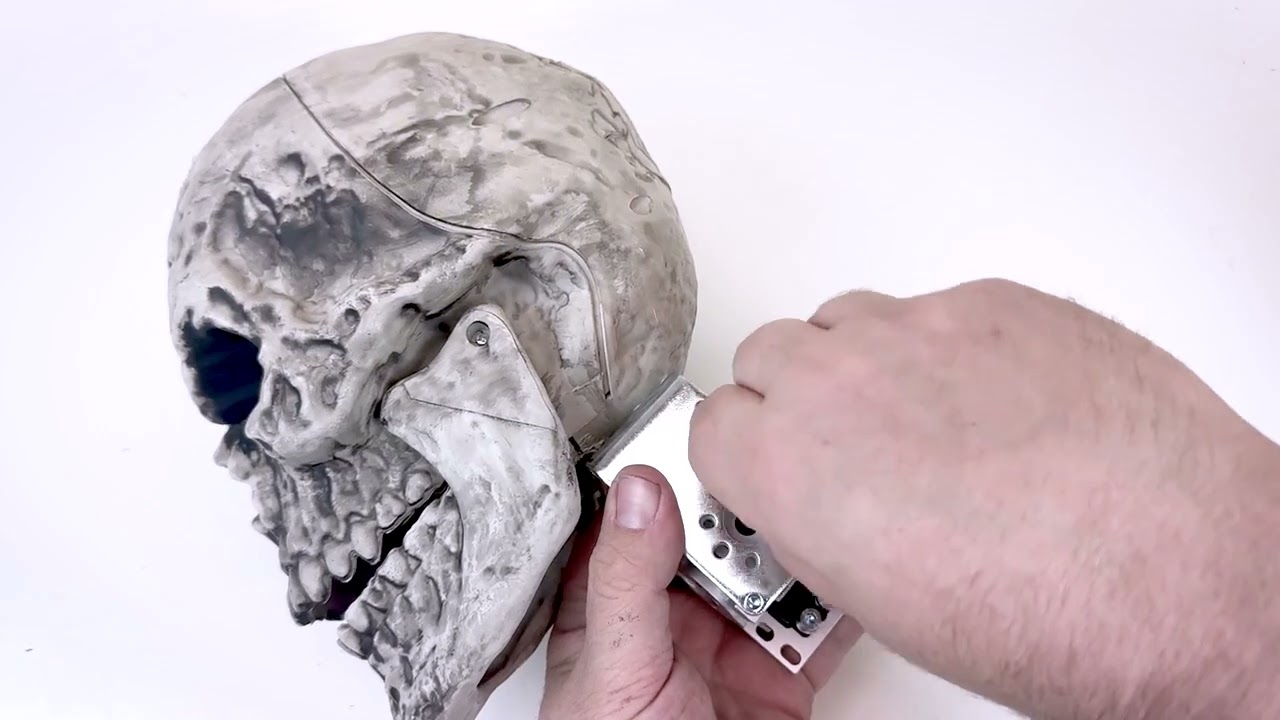
FrightProps walks through converting a standard big-box retail pose-and-stay skeleton into a nodding animatronic using their Head Lift Servo Kit. The tutorial covers mounting the servo inside a ServoBlock, securing the assembly to the skull and skeleton frame, and programming the motion sequence with a PicoServo controller. It's a practical upgrade path for haunters who already own a common off-the-shelf skeleton and want to add lifelike head movement without building from scratch.

FrightProps· 2,876 views
Programming and Powering Multiple Low Voltage Colorpiano LED Lights
7:31
Lighting TutorialsIntermediate

Programming and Powering Multiple Low Voltage Colorpiano LED Lights

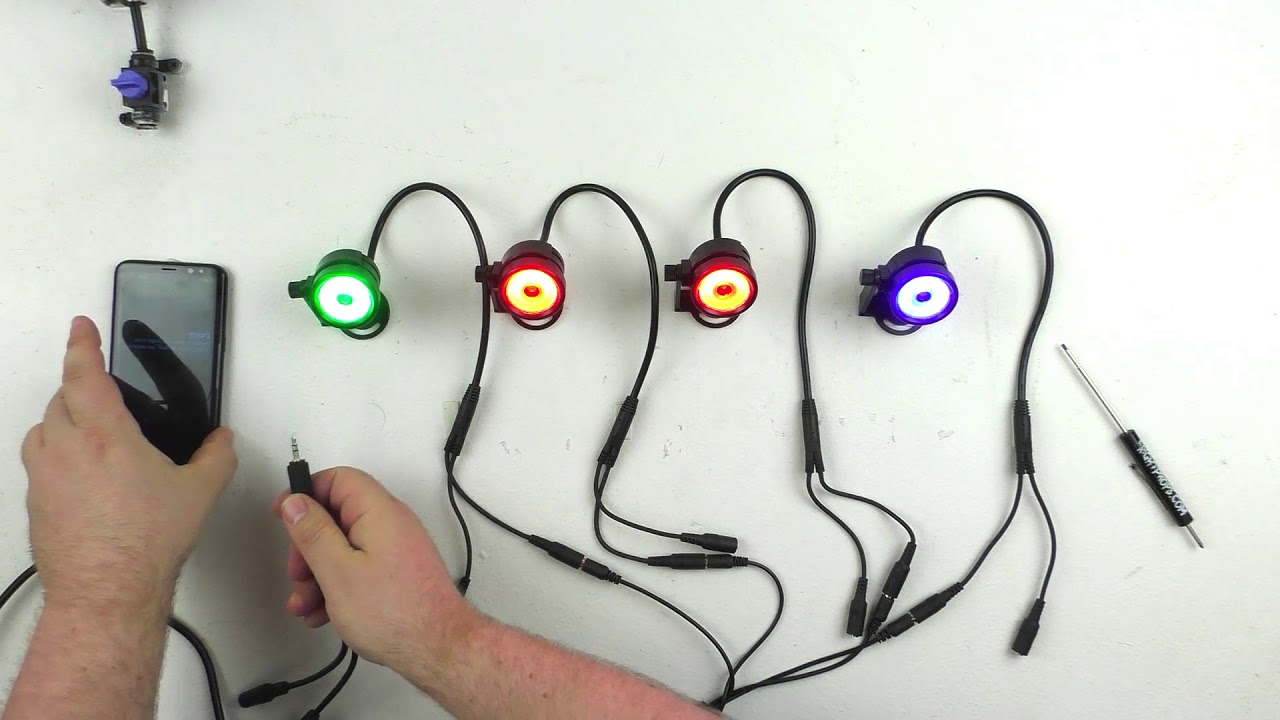
This FrightProps tutorial covers how to wire, power, and program multiple ColorPiano low-voltage LED spot lights for haunted house or prop applications. The video demonstrates using a single 12V regulated power supply paired with multi-output splitters to run several lights from one source. Audio triggering via Y-splitter cables is also featured as a control method for synchronized lighting effects.

FrightProps· 2,843 views
How to Install a Head Lift and Turn Servo Kit onto a Plastic Skeleton
20:11
DIY AnimatronicsIntermediate

How to Install a Head Lift and Turn Servo Kit onto a Plastic Skeleton

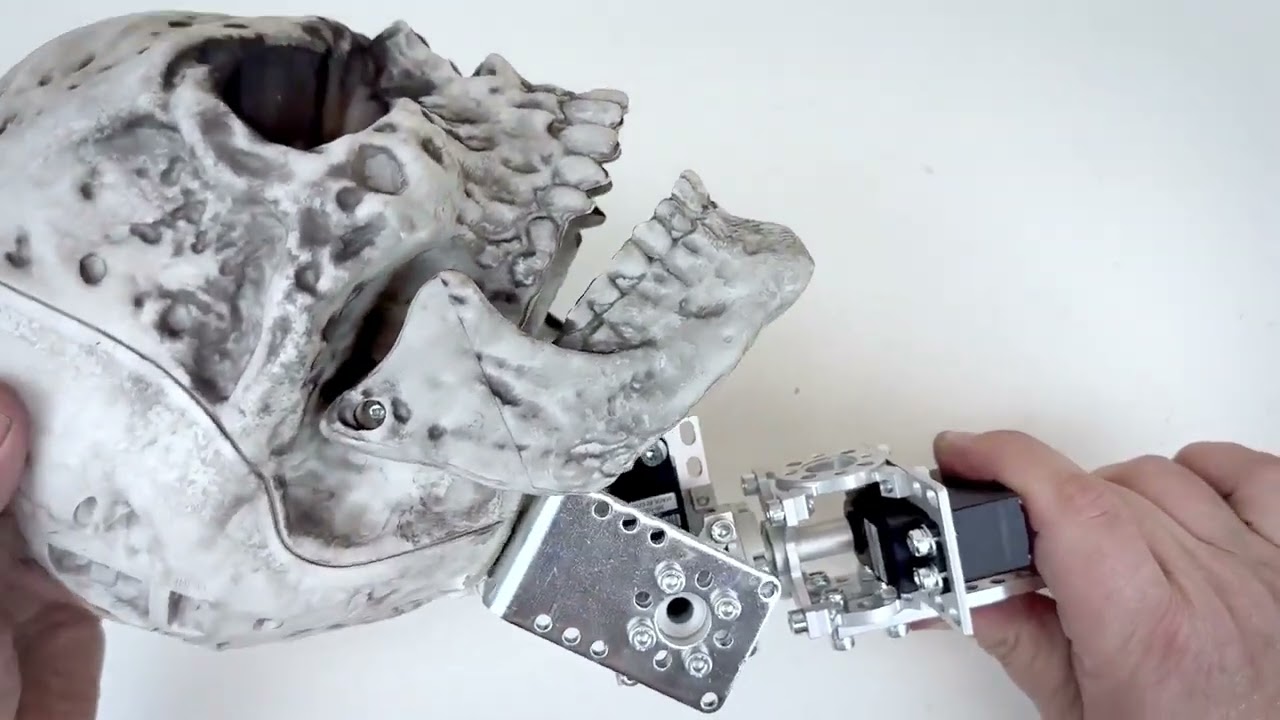
This FrightProps tutorial walks through the complete installation of a dual-servo head lift and turn kit onto a standard plastic skeleton. The build combines two servos working in tandem to produce realistic, multi-axis head movement. The video covers assembly of the servo and ServoBlock hardware, physical mounting onto the skeleton, and programming the motion sequences using a PicoServo controller.

FrightProps· 2,802 views
FrightProps Weight Sensing Escape Room Prop
7:18
Arduino & ControllersIntermediate

FrightProps Weight Sensing Escape Room Prop

FrightProps demonstrates a weight-sensing escape room puzzle prop that challenges players to place a precise amount of weight on a sensor platform in order to trigger a magnetic lock release. The build is designed as a ready-to-integrate puzzle element for escape room environments. Decorative sculptures by Josh Hardie are featured alongside the mechanism, illustrating how the prop can be themed for atmosphere.

FrightProps· 2,645 views
How to Control DMX Components with the Director Software
21:11
Arduino & ControllersIntermediate

How to Control DMX Components with the Director Software

This tutorial by guest creator Bizzaro Galore demonstrates how to use FrightProps' Director software to control DMX-compatible devices including lights, fog machines, and flame effects. The video explores the breadth of possibilities when integrating a DMX-capable controller with Director for haunt and escape room environments. It serves as a practical introduction to software-driven DMX automation for entertainment and scare-attraction applications.

FrightProps· 2,474 views
Advanced Servo Programming for an Animated Halloween Prop
40:41
DIY AnimatronicsAdvanced

Advanced Servo Programming for an Animated Halloween Prop

This FrightProps tutorial concludes the Servo Skeleton build series by diving deep into the programming phase. Viewers learn to configure a multi-servo animatronic skeleton using the BooBox Flex 2 controller, ServoDMX, and Director Software — covering DMX cable runs, servo speed and travel limits, DMX-controlled lighting, and full audio-synced character animation. The 41-minute session is a comprehensive walkthrough of professional-grade show programming applied to a home-built prop.

FrightProps· 2,440 views
Aim the Laser Escape Room Puzzle
10:38
Arduino & ControllersIntermediate

Aim the Laser Escape Room Puzzle

FrightProps host Scott walks through the build and programming of an interactive escape room laser puzzle using the Flex Controller and Director Software. Players must first trigger a laser to activate it and then physically aim the beam at a sensor to complete the puzzle and release a connected lock. The video demonstrates how the software sequences the steps, linking the laser, sensor, and lock into a cohesive interactive challenge. It serves as both a product demonstration and a practical setup guide for escape room designers.

FrightProps· 2,400 views
PicoVolt: Transition Mode
2:36
Arduino & ControllersIntermediate

PicoVolt: Transition Mode

Travis from Fright Ideas walks through the Transition Mode feature on the PicoVolt controller, showing how it enables smooth, fluid motion transitions in motor-driven Halloween props. The short focused demo highlights how this mode can elevate the realism and polish of animated haunted house effects. It's a quick but practical look at a specific controller feature aimed at haunt builders who want more refined prop movement.

FrightProps· 2,376 views
Fog Machine Control Cable Quick Look
2:22
Fog & Chiller EffectsBeginner

Fog Machine Control Cable Quick Look

FrightProps showcases a dedicated control cable designed to simplify fog machine triggering for haunted attractions. Rather than modifying wireless remotes or navigating complex DMX setups, users simply plug the cable into a compatible fog machine and wire it to a relay. The quick demo is filmed during a Poison Props Electric Chair programming session, giving real-world context for how the accessory fits into a broader prop control workflow.

FrightProps· 2,361 views
PicoVolt: 2 Input Control of Linear Actuator
2:16
Arduino & ControllersIntermediate

PicoVolt: 2 Input Control of Linear Actuator

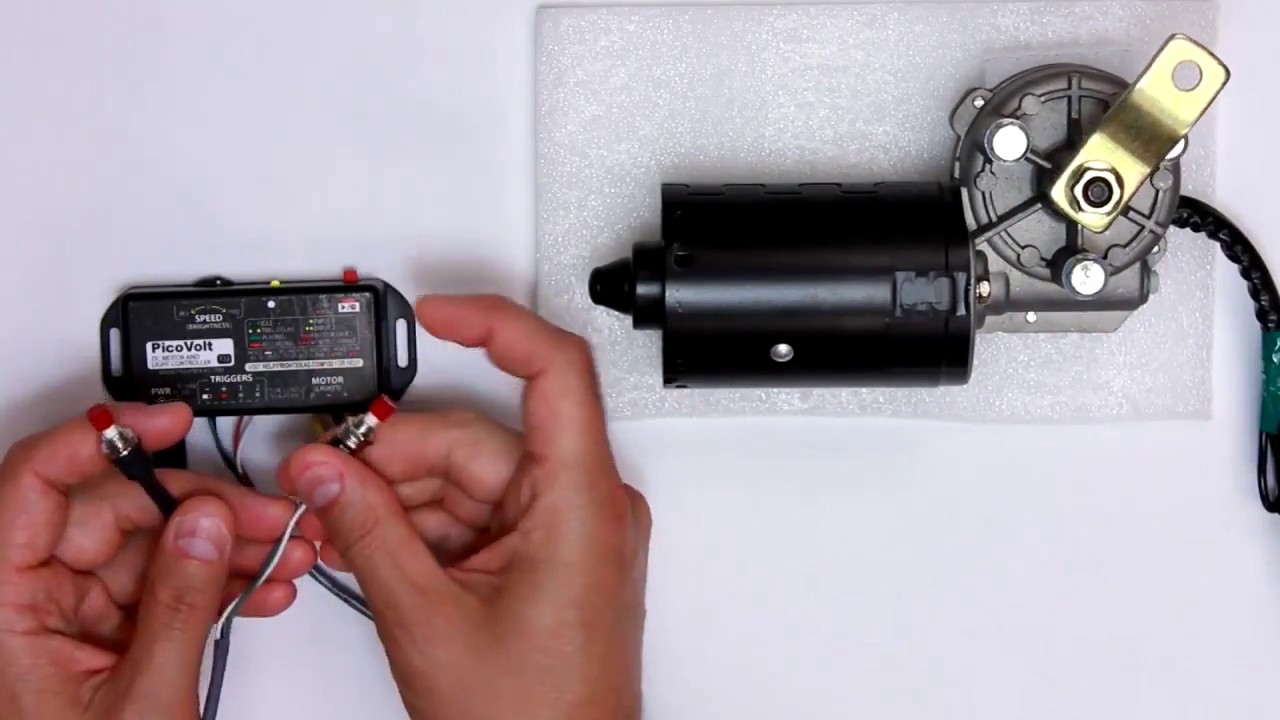
Travis from Fright Ideas demonstrates how the PicoVolt controller can drive a linear actuator using its two dedicated trigger inputs. The short tutorial highlights how straightforward the wiring and setup process is for haunted attraction builders. It serves as a quick-start reference for anyone looking to add reliable, triggered linear motion to a Halloween prop.

FrightProps· 2,299 views
PicoVolt: Light Mode
1:31
Arduino & ControllersBeginner

PicoVolt: Light Mode

Travis from Fright Ideas walks through the PicoVolt controller's light mode, showing how the unit goes beyond motor and linear actuator control to also manage low voltage lighting. The short demonstration highlights the controller's multi-function flexibility for haunted house builders. It serves as a quick feature overview rather than a deep-dive tutorial.

FrightProps· 2,222 views
Activating Haunted House Sound Effects with a Wireless Remote
20:04
Sound DesignBeginner

Activating Haunted House Sound Effects with a Wireless Remote

This FrightProps tutorial demonstrates how to pair the Scream Box To Go — a self-contained speaker and MP3 player unit — with a four-relay wireless remote to trigger up to four distinct sound effects without any physical contact. The video walks through basic device setup, wiring connections using screw terminal adapters, and configuring the function modes on the remote base station. The solution is well-suited for home haunts, professional attractions, and scare actors who want to preserve their voice during events. Cosplayers can also take advantage of the portable, wireless setup for on-the-go audio effects.

FrightProps· 2,078 views
Weight Detecting Prop Puzzle for Escape Rooms
10:16
Arduino & Controllers

Weight Detecting Prop Puzzle for Escape Rooms

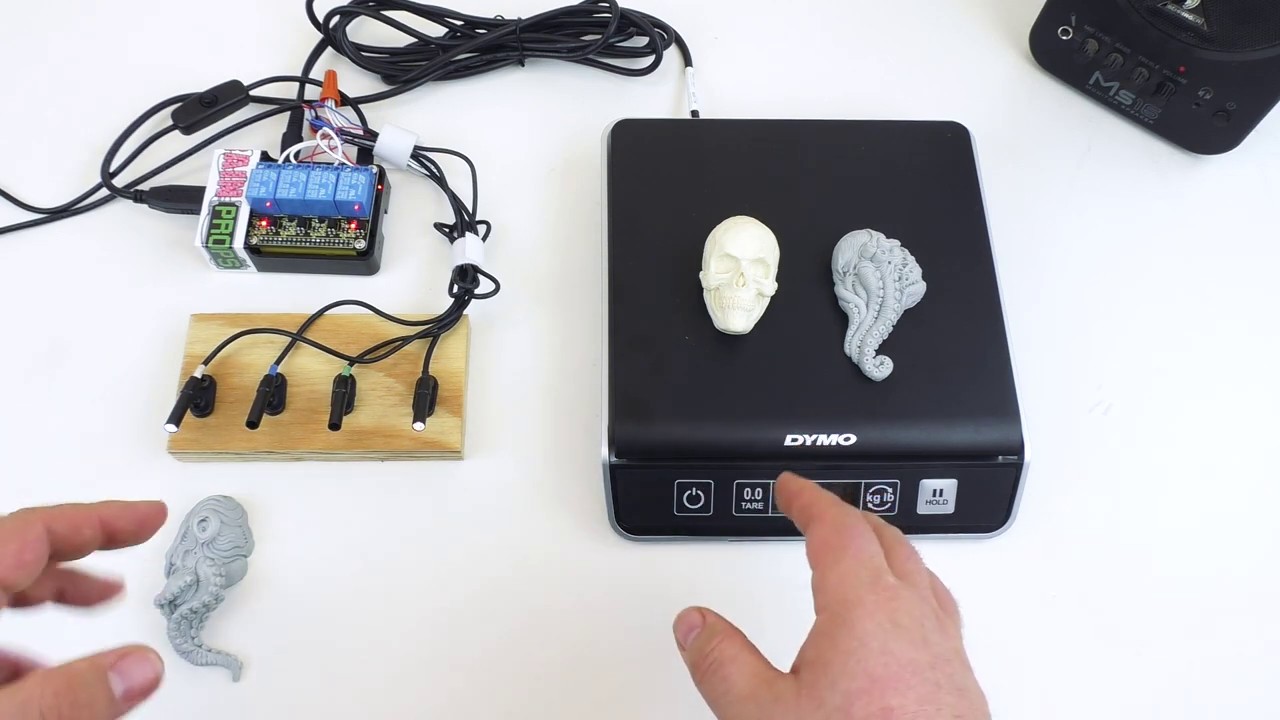
FrightProps showcases a dedicated weight-detecting puzzle controller built for escape room applications. The system uses a four-relay setup that independently triggers outputs based on whether a scale reads below, above, or exactly at a pre-programmed target weight. Audio cues accompany each puzzle state to guide players, and all timing and weight threshold values are user-programmable. The prop supports loads up to 10 lbs, making it suitable for a wide range of physical puzzle designs.

FrightProps· 1,987 views
Creating Water Spray Effects for your Haunted House
6:44
DIY AnimatronicsIntermediate

Creating Water Spray Effects for your Haunted House

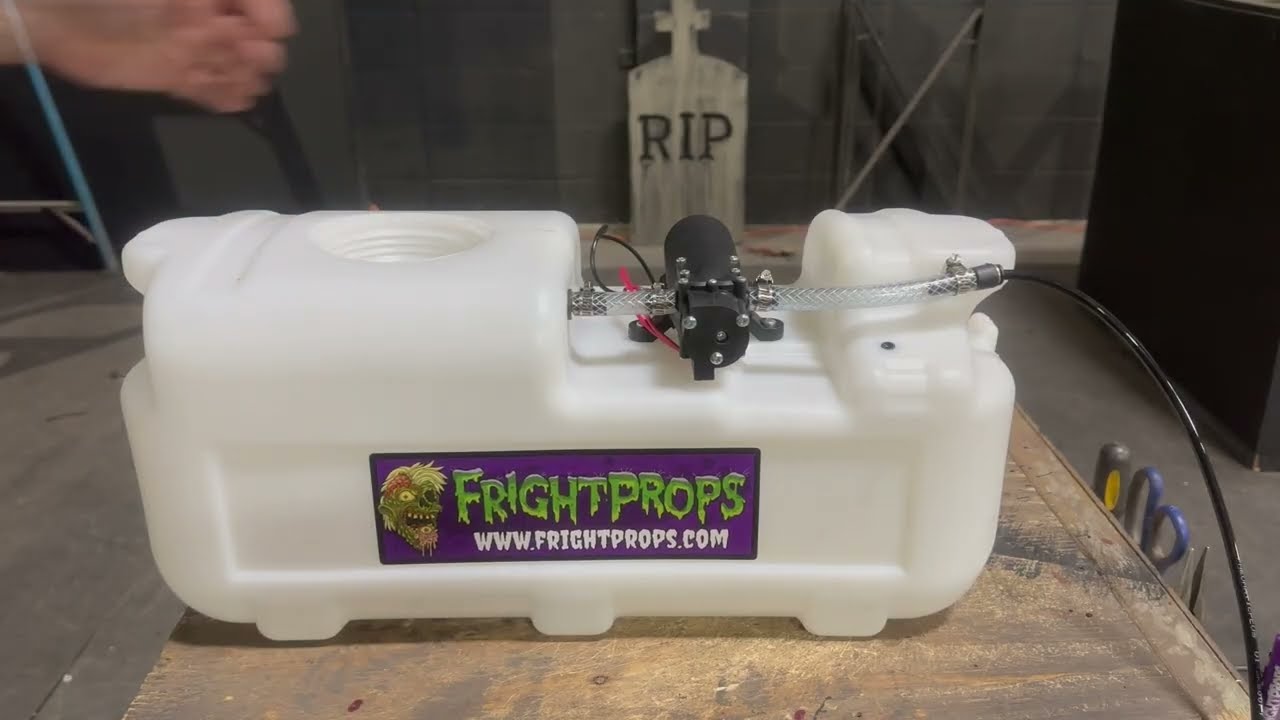
This FrightProps tutorial walks through setting up an electric water spray effect for haunted house use, highlighting a system that operates without compressed air. The video covers hardware setup and programming the effect using a PicoBoo ONE controller. It offers a practical, reliable alternative to pneumatic-based spray solutions for haunt builders looking to add a tactile startle effect.

FrightProps· 1,851 views
EscapeKeeper Setup - Adding sound
5:20
Arduino & ControllersIntermediate

EscapeKeeper Setup - Adding sound

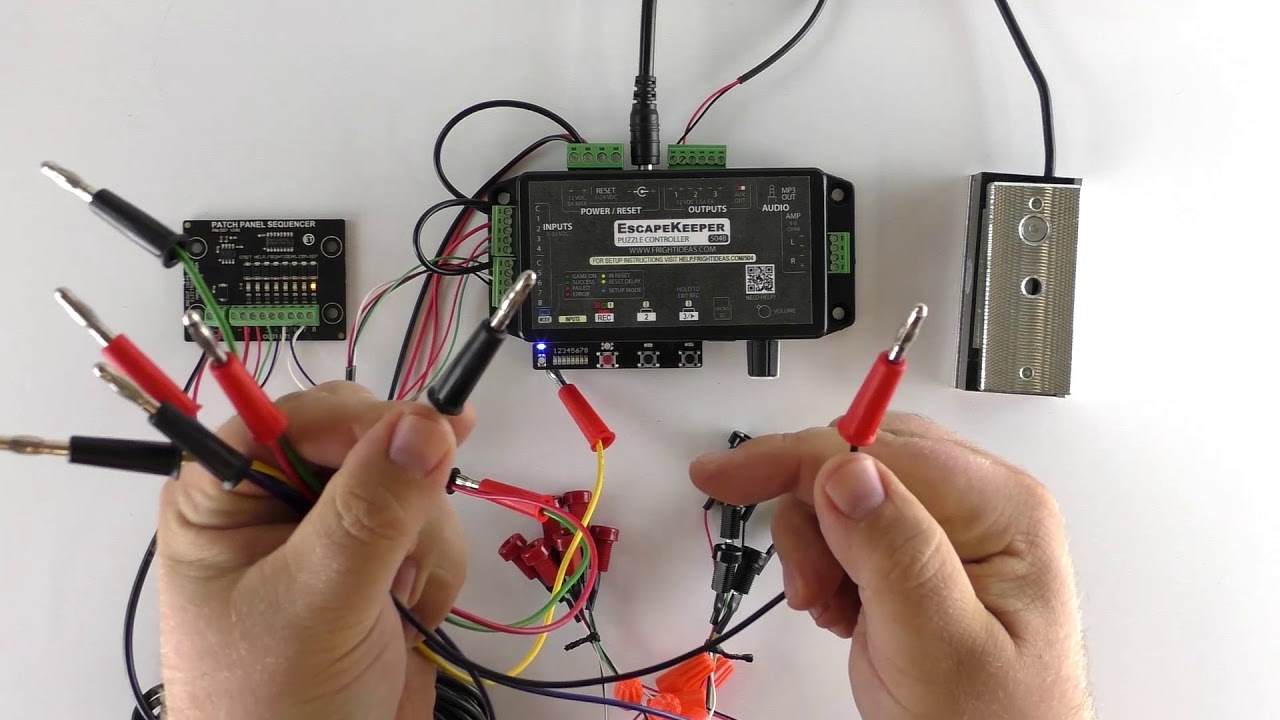
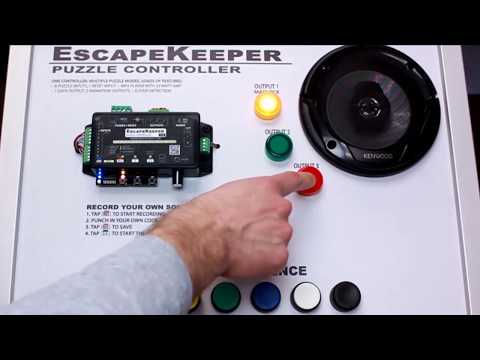
This short tutorial from FrightProps walks through the process of adding sound functionality to the EscapeKeeper escape room controller system. The video demonstrates how to configure the sound component as part of the broader EscapeKeeper setup workflow. It is part of a series of setup guides supporting FrightProps' escape room controller product line.

FrightProps· 1,813 views
FrightProps on Haunter's Hangout
1:24:17
Other

FrightProps on Haunter's Hangout

FrightProps Creative Director Scott joins the Haunter's Hangout community livestream for an in-depth conversation covering the history of FrightProps, his personal journey into the haunted attraction world, and a wide-ranging Q&A on haunt technology. The session runs roughly 84 minutes and doubles as an informal industry discussion with an engaged Halloween enthusiast audience. It offers a rare behind-the-scenes perspective on one of the notable brands in the haunt-tech space. Viewers curious about the people and companies shaping the haunted attraction industry will find plenty of candid insight here.

FrightProps· 1,799 views
How to Add Audio to your Show in the Director Software
10:38
Arduino & ControllersIntermediate

How to Add Audio to your Show in the Director Software

This tutorial walks through the process of adding, editing, and managing audio within FrightProps' Director show-control software. Guest contributor Bizzaro Galore demonstrates how to bring sound into a project and align it with triggered effects, one of the platform's standout capabilities. The video is part of a broader series covering escape room and haunt automation technology.

FrightProps· 1,761 views
Simon Says Escape Room Puzzle
0:36
Arduino & Controllers

Simon Says Escape Room Puzzle

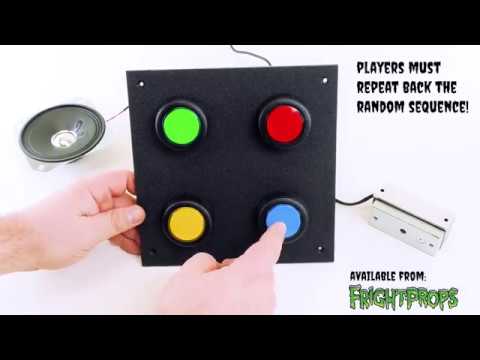
FrightProps showcases their Simon Says-inspired escape room puzzle prop, which challenges players to repeat an escalating sequence of lights and sounds. The prop is built for flexibility, allowing operators to adjust the number of rounds, difficulty scaling, audio feedback, and the triggered outcome upon solving. It's a compact, self-contained interactive experience suited for escape rooms or haunt puzzle rooms. The short demo highlights the product's core gameplay loop and customization potential.

FrightProps· 1,729 views
Patch Cabel Kit - Wire Connecting Escape Room Prop
9:10
Prop Reviews

Patch Cabel Kit - Wire Connecting Escape Room Prop

FrightProps showcases their Patch Cable Puzzle Kit, a ready-made solution for escape room designers looking to add a hands-on wiring challenge. Players must correctly match and connect a set of inputs to corresponding outputs using patch cables to solve the puzzle. The video walks viewers through how the kit works and how it can be integrated into an escape room experience.

FrightProps· 1,728 views
EscapeKeeper Setup - Recording Animations
7:00
Arduino & ControllersIntermediate

EscapeKeeper Setup - Recording Animations

This FrightProps tutorial walks users through the process of recording animations using the EscapeKeeper controller system. The video demonstrates how to set up and capture animation sequences for use in escape room or haunt environments. It provides a practical, step-by-step look at one of the EscapeKeeper's core programming features.

FrightProps· 1,604 views
Air Bag Motion Platform Programming
2:06
PneumaticsIntermediate

Air Bag Motion Platform Programming

FrightProps demonstrates how to program their air bag motion platforms, showcasing the straightforward setup process for these durable, pneumatically driven effects. The platforms are commercially available in custom sizes and are trusted by haunted houses, escape rooms, and interactive entertainment venues worldwide. FrightProps has over two decades of experience manufacturing these systems, reflecting a deep pedigree in professional-grade haunt hardware.

FrightProps· 1,574 views
Which Droid Would YOU Build? Aluminum vs 3D Printed!
10:20
DIY PropsAdvanced

Which Droid Would YOU Build? Aluminum vs 3D Printed!

This episode of Creative Geekery puts two radically different droid builds head-to-head: a life-size 3D-printed R2-inspired tribute and a massive fully machined aluminum droid weighing over 200 pounds. The host interviews both builders, exploring their construction methods, challenges, and control systems — including Arduino-based Bluetooth setups. The discussion also touches on the philosophy of making, particularly the idea that passion builds like these are never truly finished.

Creative Geekery· 1,509 views
Magnetic Switch Puzzle for Escape Room Games
1:38
Arduino & ControllersIntermediate

Magnetic Switch Puzzle for Escape Room Games

FrightProps demonstrates a magnetic switch puzzle controller designed for escape rooms and haunted attractions. Hidden magnets are concealed inside props or statues, and when each one is brought close enough to its corresponding hall effect sensor, that sensor triggers. Once all sensors in the chain have been activated, the board fires a configurable output — toggling a solution element on or off based on user settings.

FrightProps· 1,499 views