
Halloween Universe

Video Category

Arduino & Controllers

Every arduino & controllers video worth your time, gathered in one place. Browse builds, tutorials, and showcases — each embedded from its original creator with a quick summary so you can find exactly what you need.

150 videos

How to Control Over 20 LED lights for Under $250!
13:17
Arduino & ControllersIntermediateUnder $250

How to Control Over 20 LED lights for Under $250!

This FrightProps tutorial demonstrates a budget-friendly system for independently controlling more than 20 LED lights using DMX hardware and show-control software. The build centers on a PicoDMX controller paired with a multi-channel DMX decoder, keeping the total cost under $250. The Stranger Things alphabet light wall is offered as a fun example use case, though the system is flexible enough for any multi-light haunt effect. FrightProps also sells a ready-made kit for those who prefer a turnkey solution.

FrightProps· 5,654 views
Pace Maker Haunt Timer from FrightProps
2:26
Arduino & Controllers

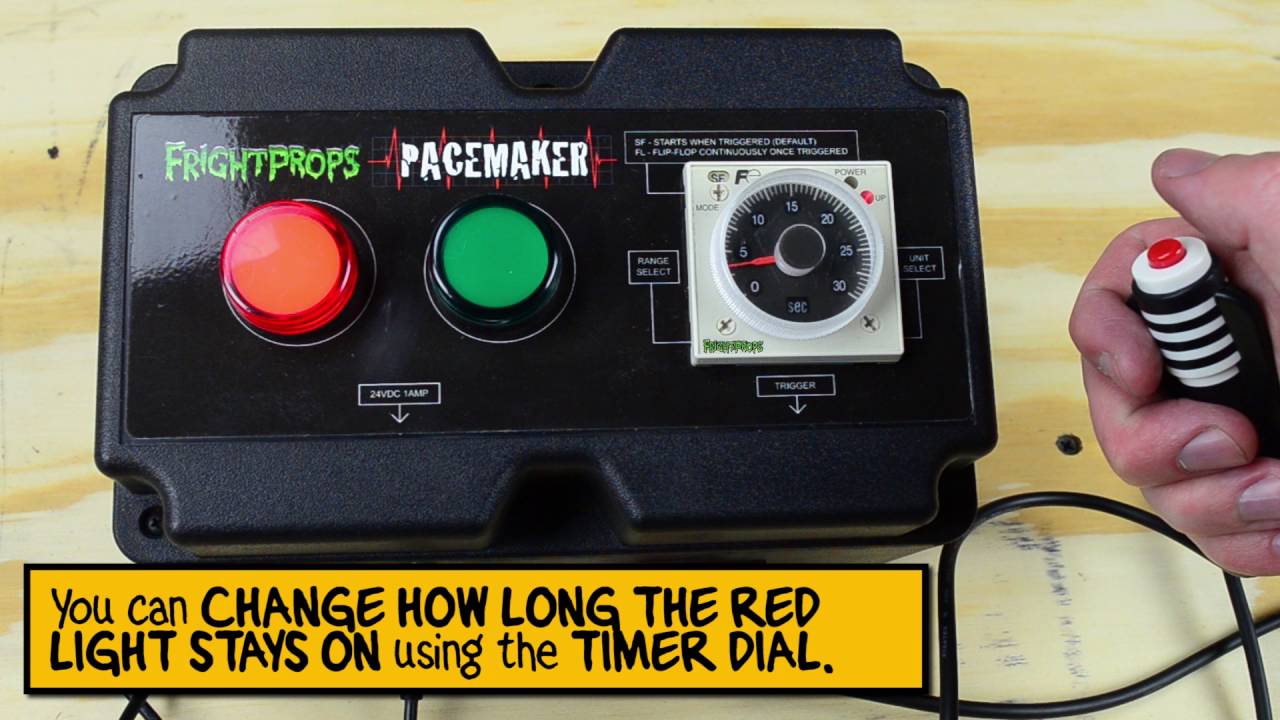
Pace Maker Haunt Timer from FrightProps

FrightProps showcases the Pace Maker, a dedicated haunted house entry timer built to help operators control guest pacing through their attraction. The unit supports seconds, minutes, or hours as interval settings and accepts a low-voltage trigger input compatible with step mats, handheld remotes, and similar devices. A simple green/red indicator light system signals ready and triggered states at a glance. It can be configured to fire once per activation or to cycle continuously after the initial trigger.

FrightProps· 5,514 views
Three Axis Automatic Talking Skull Settings Tutorial
3:33
DIY AnimatronicsBeginner

Three Axis Automatic Talking Skull Settings Tutorial

This short tutorial from FrightProps walks users through adjusting the settings on their Three Axis Automatic Talking Skull animatronic prop. The video covers the configuration options that control the skull's movement axes, helping owners get the best performance out of the prop. At just four minutes, it serves as a quick-start reference for new owners getting their skull dialed in.

FrightProps· 5,353 views
Director Software Basics Tutorial
26:39
Arduino & ControllersBeginner

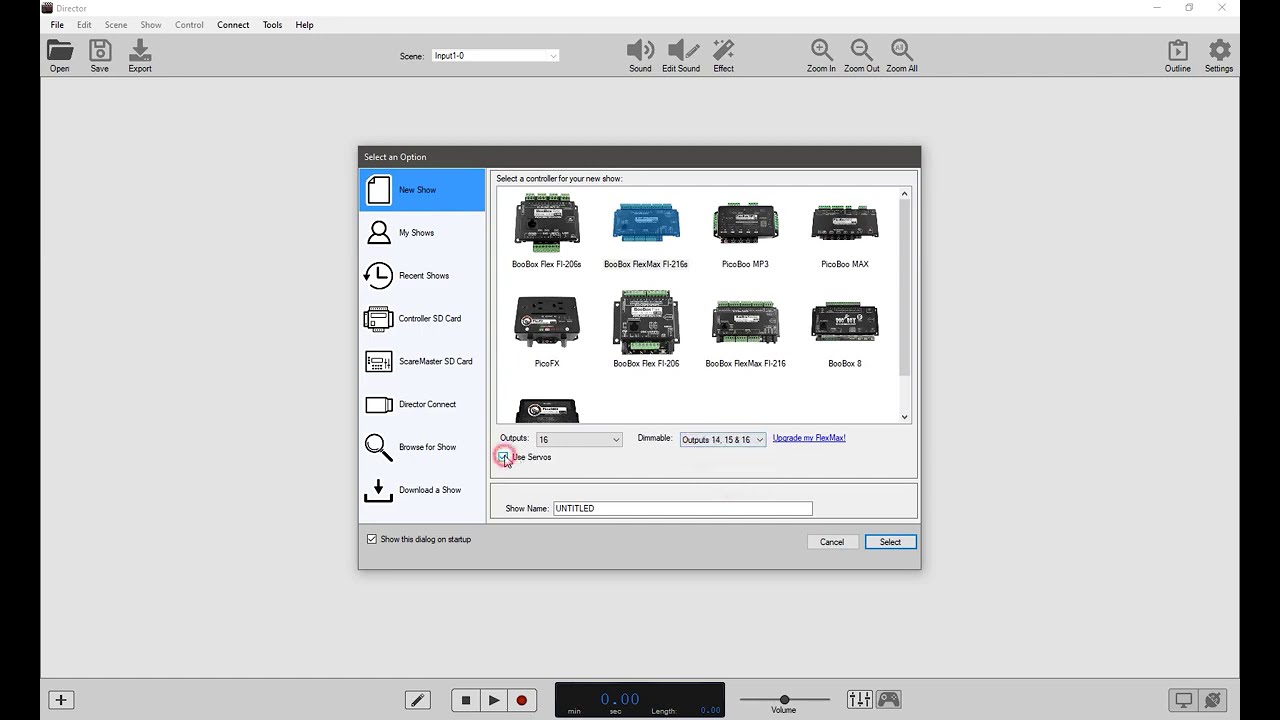
Director Software Basics Tutorial

This tutorial walks viewers through the foundational concepts of using FrightProps' Director Software to operate and program a prop controller. Created by Bizzaro Galore of the Test Subjects channel, the video covers core techniques applicable to haunted attractions and escape rooms alike. It serves as an accessible entry point for anyone new to haunt show-control software.

FrightProps· 5,152 views
Reprogramming chair screamer Controller.
1:10
Arduino & ControllersIntermediate

Reprogramming chair screamer Controller.

This short walkthrough from Poison Props demonstrates how to disable the safety lock on a chair screamer controller and re-record the channel responsible for launching the witch figure out of the chair. The video focuses specifically on Channel 1 reprogramming, making it a quick but practical reference for anyone needing to update or reset their prop's trigger behavior. Despite its brief runtime, it covers the essential steps to get the animatronic back on a fresh, custom recording.

POISON PROPS· 4,813 views
Using AC devices with the picoBoo F103 and F104 prop controllers
2:03
Arduino & ControllersIntermediate

Using AC devices with the picoBoo F103 and F104 prop controllers

This short tutorial from FrightProps demonstrates how to connect and operate a 110v AC device using the picoBoo F103 and F104 prop controllers. A light bulb is used as a stand-in to illustrate the process, though the technique applies to any compatible AC device. The key constraint covered is the controller's maximum current rating, which limits connected devices to under 10 amps.

FrightProps· 4,790 views
final controller six
10:46
Arduino & Controllers

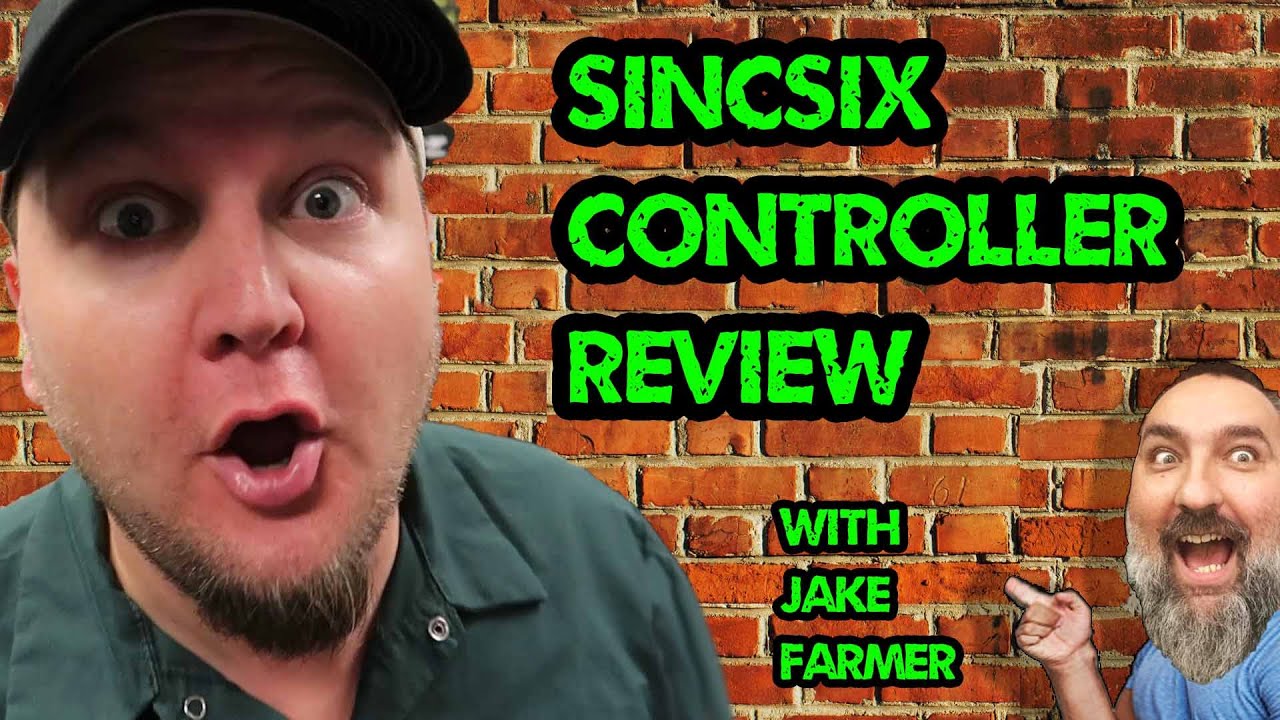
final controller six

Allen Hopps of Stiltbeast Studios takes a look at a compact prop controller from SyncSix, a Canadian manufacturer. The video walks viewers through the unit's features and its potential applications in haunted attraction and DIY prop setups. It appears to be a concise, practical overview aimed at haunters looking to expand or simplify their control systems.

StiltbeastStudios· 4,444 views
Gantom Torch Escape: Interactive LED Lighting for Escape Rooms
7:05
Lighting TutorialsIntermediate

Gantom Torch Escape: Interactive LED Lighting for Escape Rooms

This FrightProps overview demonstrates how to set up and program the Gantom Torch: Escape, a handheld LED device designed for escape room use. Small emitters placed around the room secretly allow operators to control the torch's color, intensity, and vibration in players' hands via the Color Piano software interface. A key feature is UV light output, which can be triggered at specific times or locations to reveal hidden clues. The system creates a compelling illusion of player agency while keeping full control with the operator.

FrightProps· 4,441 views
Creating a Head Turn Effect with a Servo Kit from FrightProps
19:58
DIY AnimatronicsIntermediate

Creating a Head Turn Effect with a Servo Kit from FrightProps

This FrightProps tutorial walks through the complete process of adding a motorized head-turn effect to a standard pose-and-stay plastic skeleton using their dedicated servo kit. The video covers every stage from skeleton preparation and ServoBlock assembly to physical servo installation and programming movement sequences with the PicoServo controller. It's a practical, product-specific guide that bridges hardware assembly and basic motion programming in a single session.

FrightProps· 4,248 views
Controlling 12 Volt DC Devices with a Wireless Trigger
8:34
Arduino & ControllersBeginner

Controlling 12 Volt DC Devices with a Wireless Trigger

This FrightProps tutorial demonstrates how to use a two-relay wireless remote to control 12V DC devices without any hardwired triggers. The video uses LED Nano Spot lights as a practical demonstration, but also explains how the same system can switch controller inputs, solenoid valves, 110V AC devices, and off-the-shelf retail Halloween props. It's a compact, accessible introduction to wireless automation for haunted attractions of any scale.

FrightProps· 4,028 views
Village Mire VSA Routines
1:10
DIY AnimatronicsAdvanced

Village Mire VSA Routines

This short clip showcases animatronic skull routines for a Village Mire haunt scene, built using a Skulltronix skull by Jerry Jewell. The creator walks through a workflow that moves from programming VAS routines in TrackSkull (MonkeyBasic) to importing them into VSA and finally exporting the finished sequences into a RAPU controller. The result is a fully synchronized, controller-driven skull performance ready for deployment in a yard or home haunt.

Hauntcast· 4,008 views
Mini LED Light Effect Controller
1:22
Lighting Tutorials

Mini LED Light Effect Controller

FrightProps showcases a compact LED light effect controller capable of producing a variety of special lighting effects suitable for haunted houses and Halloween displays. The unit appears to include a remote control for convenient operation. At just one minute long, the video offers a quick product overview rather than an in-depth tutorial.

FrightProps· 3,970 views
Making a Light that Stays on Only as Long as a Sensor is Being Touched
6:37
Arduino & ControllersIntermediate

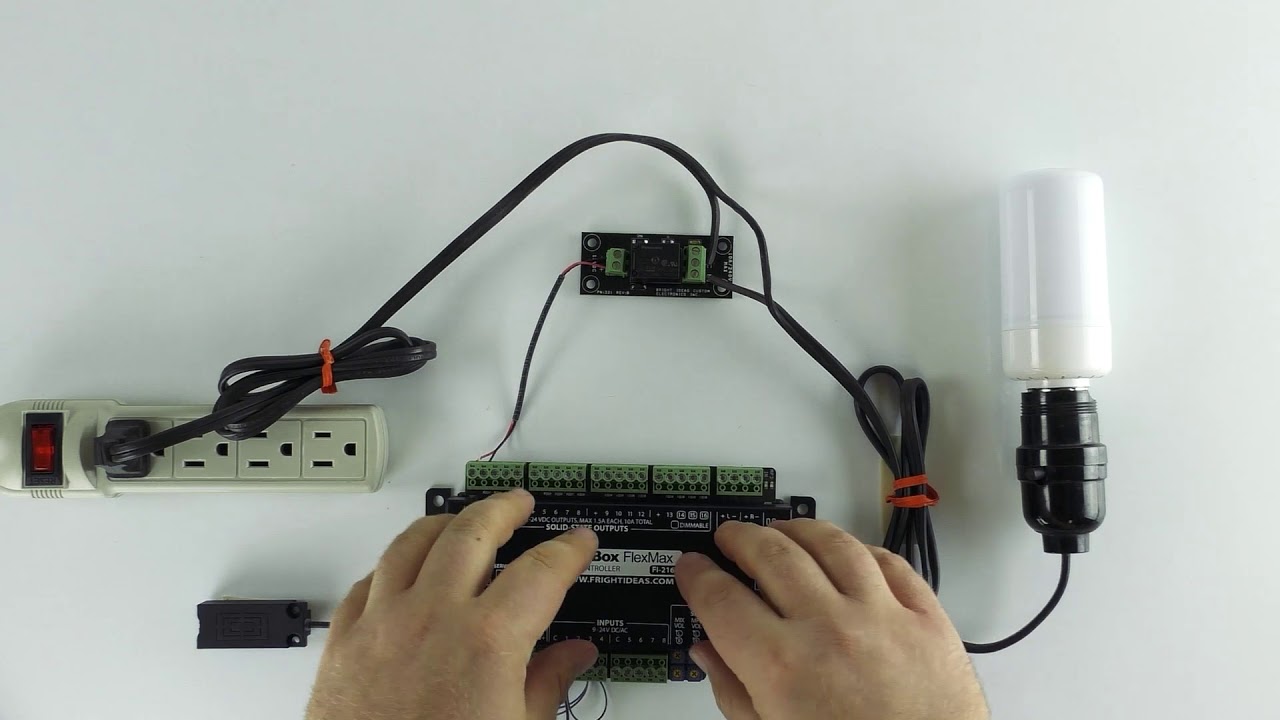
Making a Light that Stays on Only as Long as a Sensor is Being Touched

This FrightProps tutorial walks through a specific interactive scenario: keeping a light illuminated only while a visitor physically touches a designated prop or surface. The setup uses a BooBox Flex or FlexMax controller paired with a touch sensor and a solid-state relay board to switch a 110v AC LED flame bulb. It doubles as a practical primer on controlling mains-voltage AC devices through a solid-state output from a low-voltage controller.

FrightProps· 3,907 views
Wiring Fog Machine to Prop Controller
4:48
Arduino & ControllersIntermediate

Wiring Fog Machine to Prop Controller

This short tutorial from Hauntcast walks through the process of wiring a fog machine to the Pico One prop controller, enabling automated fog triggering as part of a broader haunt setup. The video is a practical, focused guide aimed at haunters who want to integrate fog effects into a controller-driven prop sequence. At just five minutes, it delivers a concise, hands-on walkthrough of the wiring process.

Hauntcast· 3,761 views
EscapeKeeper Setup - Input Sequence
4:56
Arduino & Controllers

EscapeKeeper Setup - Input Sequence

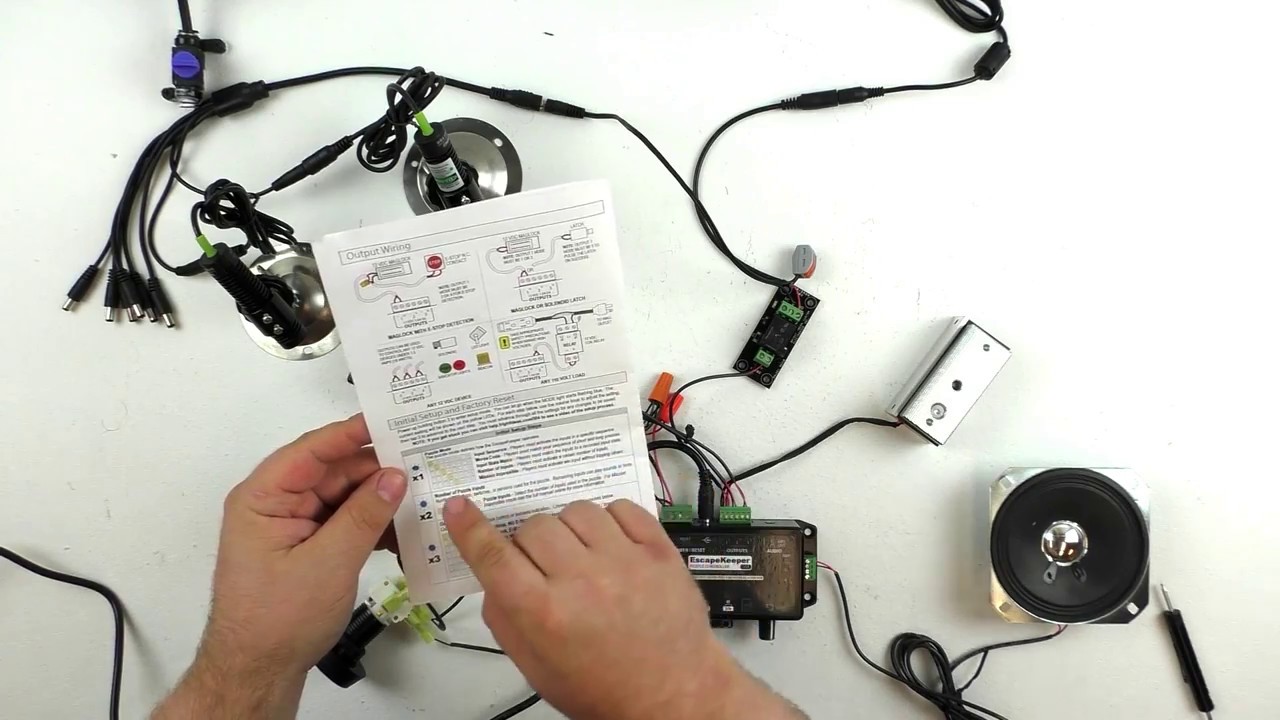
This short tutorial from FrightProps covers how to configure an input sequence on the EscapeKeeper, a dedicated controller designed for escape room applications. The video walks through the setup process for chaining inputs into a specific order, enabling puzzle-based triggers. At just five minutes, it focuses tightly on this single feature of the controller platform.

FrightProps· 3,567 views
Creating Servo Waist Turn Movement for a Halloween Skeleton
20:45
DIY AnimatronicsIntermediate

Creating Servo Waist Turn Movement for a Halloween Skeleton

This episode in an ongoing FrightProps series covers the installation of a waist-turn servo kit onto a plastic Halloween skeleton, completing the four-servo movement system for a violin-playing animatronic prop. With the waist being the final motion axis, the video walks through both the mechanical installation and the programming of all four servos together. The result is a near-finished animatronic ready for cosmetic refinement and audio integration in future installments.

FrightProps· 3,557 views
Creating a Haunted Moving Portrait Using a Sprite Video Player and Wireless Trigger
12:21
Projection EffectsBeginner

Creating a Haunted Moving Portrait Using a Sprite Video Player and Wireless Trigger

This FrightProps tutorial demonstrates how to create a classic haunted moving-portrait effect using their Sprite 4K Video Player paired with a One Relay Wireless Trigger. The Sprite's seamless looping capability allows a static portrait image to transition invisibly into a scare animation, fooling guests until the trigger fires. The video walks through loading video content onto the player and wiring up the wireless trigger to activate the effect on cue.

FrightProps· 3,457 views
Ghost Bust Live Escape Room System - Interactive Talking Ghost Character for Escape Rooms!
2:45
Prop Reviews

Ghost Bust Live Escape Room System - Interactive Talking Ghost Character for Escape Rooms!

FrightProps showcases the Ghost Bust, a ready-to-use interactive talking ghost character designed as a host figure for escape rooms and similar events. The prop features a mouth that animates automatically in sync with pre-loaded audio files, or can be triggered manually via button control. This makes it a plug-and-play solution for operators who want a compelling, interactive focal character without complex custom builds.

FrightProps· 3,420 views
Prop Control Boards for FrightProps Animated Props
0:53
Pneumatics

Prop Control Boards for FrightProps Animated Props

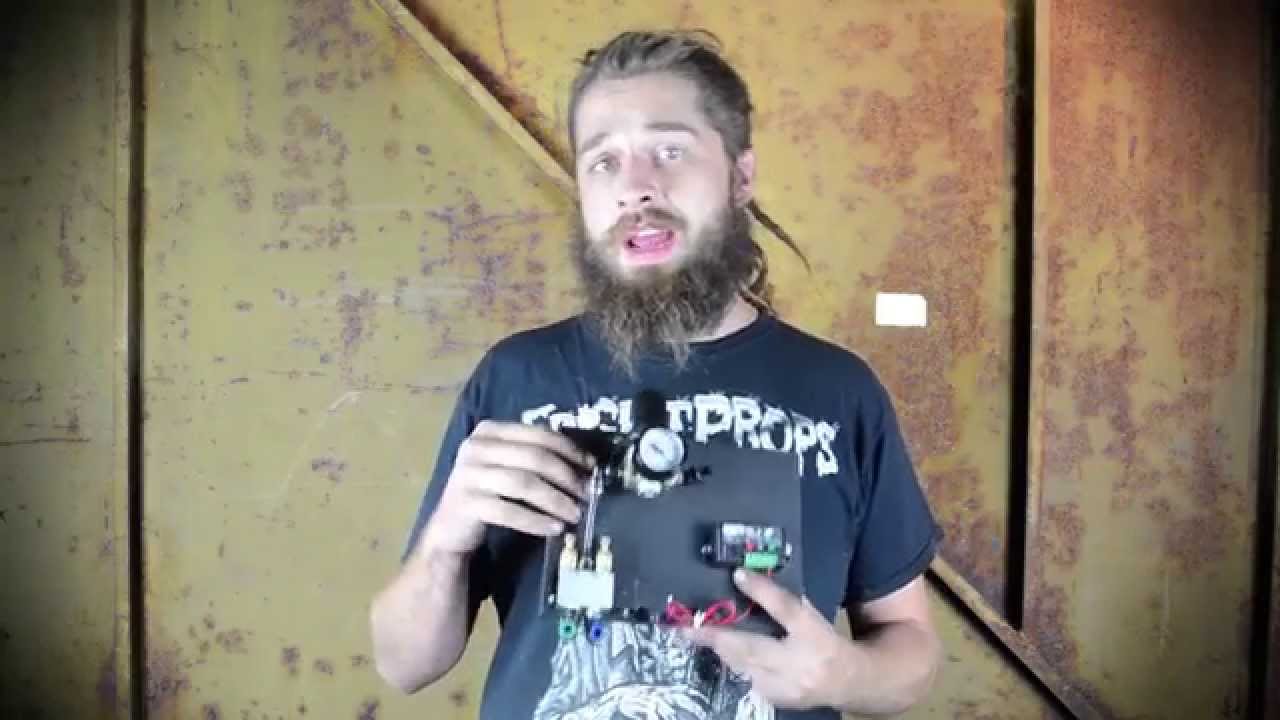
FrightProps lead fabricator Max introduces the company's new integrated 'mech boards,' which come pre-installed on FrightProps air-powered animated props. These control boards eliminate the need for manual wiring and fitting connections, streamlining the setup process for haunters. The goal is to let haunt operators spend less time on technical installation and more time building their attraction.

FrightProps· 3,408 views
High Security Escape Room Laser Grid Puzzle Kit
16:41
Arduino & ControllersIntermediate

High Security Escape Room Laser Grid Puzzle Kit

FrightProps walks through their High Security Escape Room Laser Grid Puzzle Kit, a commercial controller solution that challenges players to navigate a laser field and reach an endpoint without breaking any beams. Two versions of the kit exist: a button-based variant and an RFID variant called The Vault, where players must carry an object through the maze and place it at the destination. The video covers how the puzzle operates and how the controller manages resets when a laser is tripped. Viewers should note that the wiring has since been revised, and an updated diagram is available for download from FrightProps.

FrightProps· 3,322 views
GateKeeper Computer Password Escape Room Puzzle
7:32
Prop Reviews

GateKeeper Computer Password Escape Room Puzzle

FrightProps showcases the GateKeeper Computer Password Escape Room Puzzle, an interactive prop that challenges players to enter a correct password, phrase, or number on a computer-style display to advance. The puzzle is designed with high customizability, making it adaptable to a wide range of escape room themes and scenarios. The video likely demonstrates the prop's functionality and setup options available through FrightProps.

FrightProps· 3,240 views
PicoVolt - Park Mode
2:13
Arduino & Controllers

PicoVolt - Park Mode

Travis from Fright Ideas walks through the Park mode feature on the PicoVolt controller, a dedicated control unit aimed at haunted attraction builders. The demonstration focuses on how Park mode functions within the PicoVolt's feature set. At just two minutes, it serves as a focused, quick-reference tutorial for users already working with this controller.

FrightProps· 3,178 views
I Built a MAC MINI M4 CyberDeck and Here's What Happened
22:02
Other

I Built a MAC MINI M4 CyberDeck and Here's What Happened

HauntScene explores building a portable CyberDeck workstation around the Mac Mini M4, assembling it with a compact case, portable monitor, and external peripherals. The video positions the M4 Mac Mini as a capable on-the-go machine suitable for haunt producers and tech-savvy creators. While the content originates from a Halloween-focused channel, the video is primarily a consumer tech build rather than a Halloween-specific tutorial.

HauntScene· 3,156 views
How to Make a Morse Code Prop for and Escape Room
7:13
Arduino & ControllersIntermediate

How to Make a Morse Code Prop for and Escape Room

This FrightProps tutorial walks through building an interactive Morse code puzzle prop using an EscapeKeeper controller paired with a telegraph key. The setup is designed for escape rooms or haunted attractions where guests must input a correct Morse code sequence to trigger a mag lock release or similar output. The video demonstrates how the components connect and work together as a complete kit available through FrightProps.

FrightProps· 2,978 views
Best Arduino & Controllers Videos · Halloween Universe